
This document is the advanced user manual for Olympus digital cameras, providing detailed information on the features and usage of the D-630 ZOOM FE-5500 X-600 models.
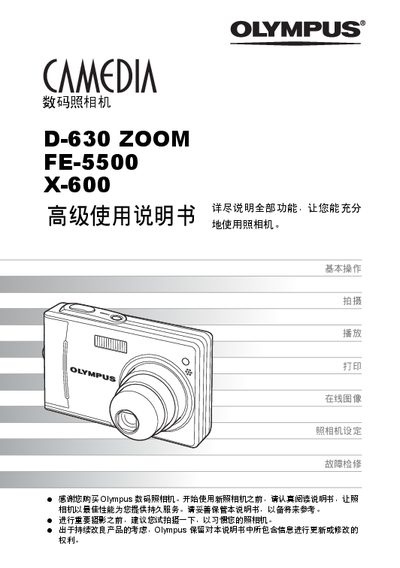
This manual provides detailed instructions for operating Olympus D-630, ZOOM, FE-5500, and X-600 digital cameras. It covers basic functions like shooting and playback, advanced features such as scene modes and digital zoom, and troubleshooting. The guide is divided into sections for easy navigation, including setup, shooting, playback, printing, and connecting to a computer. This manual is written in Chinese.
Press the playback button ($) when the camera is turned off to start it in playback mode.
The camera automatically stops working and turns off the power.