
Olympus C-760 Ultra Zoom QuickStart Guide

This document is a Quick Start Guide for the C-760 Ultra Zoom camera from Olympus. It introduces how to turn on the camera, charge the battery, insert batteries and memory cards, and attach the camera's lens cap string and strap.
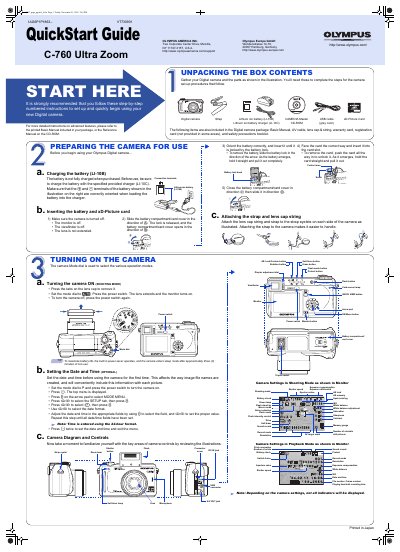

Olympus C-760 Ultra Zoom QuickStart Guide - cover page
Brand
Olympus
Category
Digital cameras
Document type
Quick Start Guide
Language
English
Pages
2
File format
PDF
File size
947 KB
Published
08 June, 2012
Updated
30 September, 2023
Model
C-760
MD5 checksum
506141CA89AF4070837B3BCBCC5B0BDD

About this manual

This document serves as a QuickStart Guide for the Olympus C-760 Ultra Zoom digital camera. It provides step-by-step instructions for unpacking the box contents, preparing the camera for use, and setting up the device. Key initial steps include charging the included Lithium ion battery (LI-10B) and inserting the xD-Picture card.

What's inside

  • Unpacking the Box Contents
  • Preparing the Camera for Use
  • Turning the Camera ON
  • Setting the Date and Time
  • Taking Pictures
  • Zooming
  • Flash Modes
  • Viewing Pictures
  • Erasing Pictures
  • Connecting the Camera to a Computer

Frequently asked questions

What is the maximum number of storable pictures on a 512 MB xD-Picture Card?

The number of storable pictures depends on the image quality selected, but the camera handles xD-Picture Cards from 16 MB to 512 MB.

How long does the camera stay on before entering sleep mode?

The built-in power-saver causes the camera to enter sleep mode after approximately three minutes of non-use to maximize battery life.

Download PDF (947 KB)

More Olympus Manuals


View all Olympus manuals →