
This manual provides instructions for the NEC SL1100 telephone system, covering call transfer, holding, soft key operations, and troubleshooting.
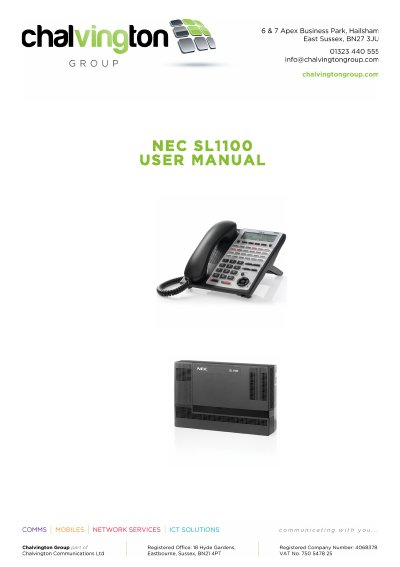
The NEC SL1100 User Manual details how to perform essential telephony functions such as transferring and holding calls. It explains the use of dedicated keys versus function keys on basic or cordless handsets and describes the operation of various soft keys like 'Menu', 'Dir', 'VM', and 'CL' during different call states.
| Speed Dial Entries | 1000 |
|---|---|
| Last Number Redial Capacity | up to 10 numbers |
| Conference Call Capacity | up to 16 parties |
Press the function key you want to contact or press the TRANSFER key followed by the extension number of the party to contact.
It allows incoming calls to receive a BUSY tone or route to voicemail even if the keyset is not being used.
You can include up to 16 parties, which includes your own terminal.