
Quick reference guide for the NEC SL1100 telephone system covering voicemail, auto attendant, call handling, paging and basic setup.
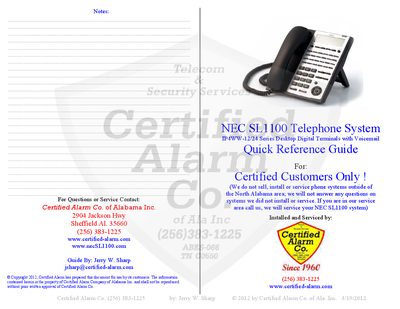
This quick reference guide is intended for Certified Alarm Co. customers who have installed the NEC SL1100 telephone system. It provides concise instructions for everyday operations such as making calls, using voicemail, and configuring basic features.
The guide details menu key operations, soft‑key functions, voicemail and auto‑attendant setup, call transfer, paging, conference calls, Do‑Not‑Disturb, emergency calls, ring‑tone selection, headset use, and programming of DSS/CO line keys. It also includes shortcuts for call waiting, speed‑dial, and clock settings.
| Series | IP4WW-12/24 |
|---|
Press the VMsg Soft Key, enter your security code, then follow the prompts to record the greeting.
During a call, press the Hold key; press it again to retrieve the call.
Press the Speaker button, dial 720, then select the desired tone number.