
Key facts
- Brand
- Jabra
- Model
- Evolve2 40
- Category
- Other Electronics
- Industry
- Electronics
- Documents
- 3
- Languages
- SV · ZH · IT
- Last added
- 2026-11-22
Start here
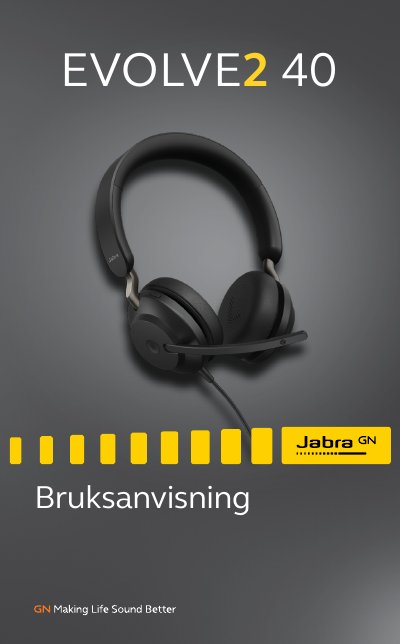
Jabra Evolve2 40 Headset User Manual
The Jabra Evolve2 40 is a headset designed for all-day comfort, featuring three-microphone technology, built-in Busylight, and 40mm speakers for high-quality sound.
This manual provides instructions on connecting the device to computers via USB-A or USB-C and to mobile devices, as well as guidance on adjusting the headset and managing calls. This manual is written in Swedish.
Jabra Evolve2 40 specifications
| Model number | HSC131 |
|---|---|
| Call noise cancellation | 3-microphone technology |
| Busy light | Built-in |
| Speaker size | 40 mm |
All Jabra Evolve2 40 documents by type
Day-to-day operation, settings and troubleshooting. Start here if the product is already set up.
Questions answered in these manuals
How do I update the firmware?
Connect the Jabra Evolve2 40 to a computer and use the Jabra Direct software to search for the latest updates.
What are the storage temperature limits for the headset?
You should avoid storing the headset in temperatures over 40 °C or under -40 °C.
How do I connect the Jabra Evolve2 40 SE to a computer?
Insert it into a USB-A or USB-C port on the computer, depending on the headset's USB model.
How do I connect the Jabra Evolve2 40 SE to a mobile device?
Insert it into the mobile device's USB-C port; not all USB-C devices or applications support an audio connection.
How do I connect the headset to a computer?
Connect the Jabra Evolve2 40 to a USB-A or USB-C port on your computer, depending on the headset variant.
How do I update the firmware?
Connect the headset to a computer and use Jabra Direct to download the latest firmware updates.