
Key facts
- Brand
- Jabra
- Model
- BIZ 2400 USB
- Category
- Other Computer Accessories
- Industry
- Computers
- Documents
- 2
- Languages
- EN · ZH
- Last added
- 2026-11-05
Start here
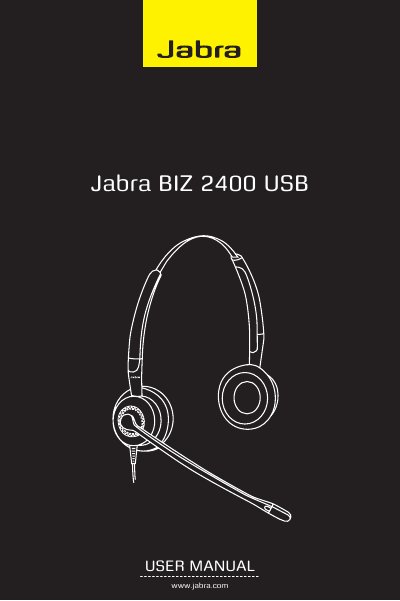
Jabra BIZ 2400 USB User Manual
This user manual covers the Jabra BIZ 2400 USB headset, detailing how to adjust volume, mute the microphone, answer calls, and wear the headset. It explains the functions of the USB controller buttons, including the hookswitch and soft buttons.
The guide also provides step-by-step instructions for installing and using the Jabra PC Suite software. This software allows users to configure headset settings, update firmware, and control supported softphone applications via the headset's buttons.
Jabra BIZ 2400 USB specifications
| Microphone distance to mouth | < 2 cm |
|---|---|
| Audio protection levels | 4 |
| LED indicator colors | green (idle), green/blue (incoming), red (call) |
Source: Jabra BIZ 2400 USB User Manual
All Jabra BIZ 2400 USB documents by type
Day-to-day operation, settings and troubleshooting. Start here if the product is already set up.
Questions answered in these manuals
How do I adjust the volume on the headset?
Use the wheel at the center of the USB controller, turning it clockwise to increase volume and counterclockwise to decrease it.
What is required to update the headset firmware?
You must use a 32-bit PC because the firmware cannot be updated on a 64-bit PC.