
Key facts
- Brand
- Jabra
- Model
- Speak2 75
- Category
- Audio-Video Decoder
- Documents
- 2
- Languages
- EN · ZH
- Last added
- 2026-11-01
Start here
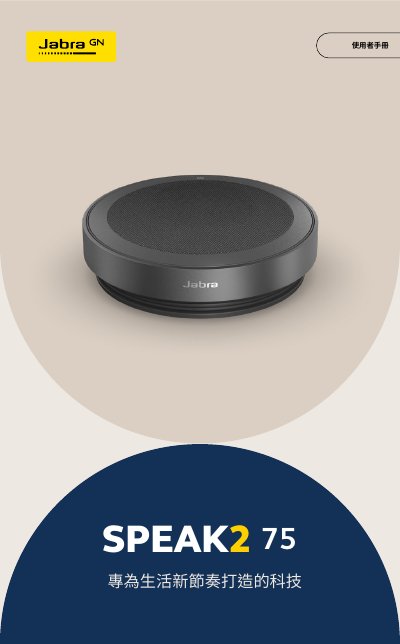
Jabra Speak2 75 User Manual
This manual explains how to charge, connect, and use the Jabra Speak2 75 wireless conference speaker. It covers setup with USB or Bluetooth, button functions, app support, and maintenance. The device features wideband audio, beamforming microphones, and compatibility with Microsoft Teams and UC platforms.
The manual includes sections on accessories, placement guidelines, battery life, firmware updates via Jabra Sound+ or Jabra Direct, and cleaning and care instructions to ensure optimal performance. This manual is written in Chinese.
Jabra Speak2 75 specifications
| Speaker Size | 65 mm full-range speaker |
|---|---|
| Battery Life | Up to 32 hours |
| Microphones | Four beamforming microphones |
| Compatibility | Microsoft Teams and UC platforms |
Source: Jabra Speak2 75 User Manual
All Jabra Speak2 75 documents by type
Day-to-day operation, settings and troubleshooting. Start here if the product is already set up.
Questions answered in these manuals
How long must you press the button to start Bluetooth pairing?
You must press the button for 3 seconds to initiate Bluetooth pairing.
What happens to the microphone control when the device is not in a call?
The microphone control is only visible during a call.
How long does the battery last?
The battery provides up to 32 hours of wireless use.
What is the Jabra Speak2 75 designed for?
It is designed for modern lifestyles.