
Key facts
- Brand
- Jabra
- Model
- Evolve 75
- Category
- Other Electronics
- Documents
- 2
- Languages
- ZH · EN
- Last added
- 2023-10-19
Start here
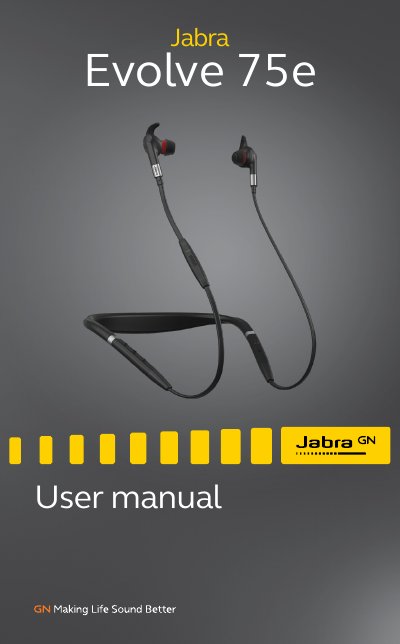
Jabra Evolve 75e Headphones User Manual
User Manual 29 pages · 2.2 MB · EN
This manual explains how to wear, charge, and connect the Jabra Evolve 75e headphones. It covers features like Active Noise Cancellation, HearThrough, and multi-device Bluetooth connectivity. Sections include resetting the device and updating firmware using Jabra Direct or Suite for Mac.
Read onlineJabra Evolve 75 specifications
| Battery Life | up to 12 hours on a 2 hour charge |
|---|---|
| Wireless Range | up to 30 meters / 100 feet |
| Connectivity | Dual-connectivity to two Bluetooth devices |
All Jabra Evolve 75 documents by type
User Manual 2
Day-to-day operation, settings and troubleshooting. Start here if the product is already set up.
Questions answered in these manuals
What is the maximum Bluetooth range of the Jabra Evolve 75?
The maximum Bluetooth range is 30 meters/100 feet.
What is the model number of the Jabra Evolve 75?
The model number is HSC040W / END060W.
How do I reset the earbuds?
Hold the Volume up button and the Multi-function button for 5 seconds while powered on and not on a call.
How do I update the firmware?
Connect via USB or Jabra Link 370, then use Jabra Direct or Suite for Mac to check for updates.