
Key facts
- Brand
- Jabra
- Model
- BIZ 2400
- Category
- Audio Codec
- Industry
- Electronics
- Documents
- 3
- Languages
- ZH
- Last added
- 2026-10-03
Start here
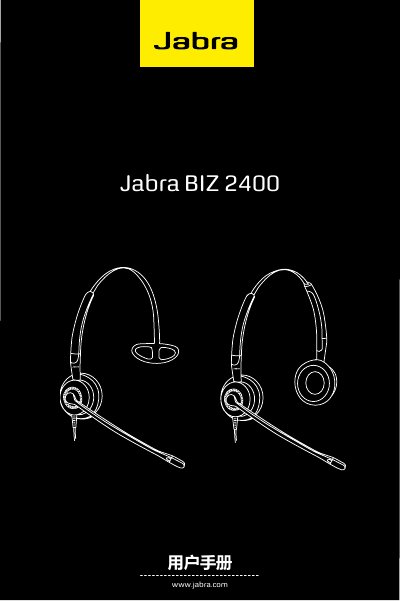
Jabra BIZ 2400 User Manual
This manual describes the Jabra BIZ 2400 headset, its parts, and the various wearing options – headband, ear‑hooks, neck‑band or double‑earcup configurations. It explains how to adjust the microphone, rotate the arm, and connect the headset to phones, computers or other audio sources using the Quick‑Disconnect (QD) connector.
Additional sections cover cleaning, maintenance, and proper disposal of the headset. Safety notes and warranty information are also included. This manual is written in Chinese.
Jabra BIZ 2400 specifications
| Microphone distance to lips | < 2 cm |
|---|---|
| Arm rotation range | 360° |
| Connector type | Quick Disconnect (QD) |
Source: Jabra BIZ 2400 User Manual
All Jabra BIZ 2400 documents by type
Day-to-day operation, settings and troubleshooting. Start here if the product is already set up.
Questions answered in these manuals
How do I connect the headset to a phone?
Insert the headset’s Quick‑Disconnect (QD) connector into the matching QD adapter, then plug the adapter into the phone’s handset socket or a compatible computer port.
What is the frequency response of the Jabra BIZ 2400 headset?
The headset covers a frequency range of 150 Hz to 6,800 Hz.
Which accessories are compatible with the Jabra BIZ 2400?
Compatible accessories include the Jabra BN8120 USB adapter, GN1220 module, and GN8210 module.