
Key facts
Start here
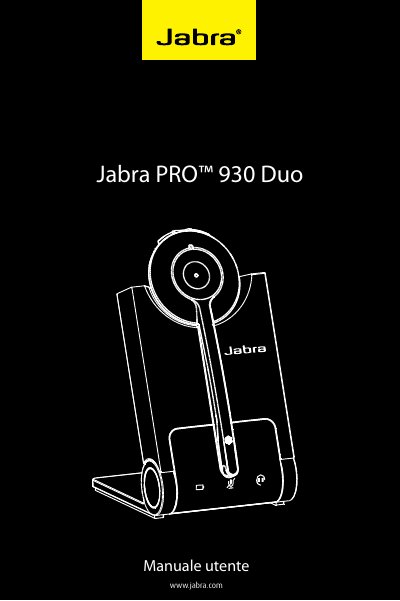
Jabra PRO™ 930 Duo User Manual
This manual covers setup, connection, and operation of the Jabra PRO™ 930 Duo headset and base. It includes instructions for pairing, charging, call management, audio controls, and advanced features like SafeTone™ protection and wireless range. Technical specifications for both headset and base are detailed, including dimensions, compatibility, and safety certifications.
Read onlineJabra PRO 930 specifications
| Wireless standard | European DECT and U.S. DECT |
|---|---|
| DECT range | Up to 60 meters from base to headset |
| DECT frequencies | US DECT: 1.92 - 1.93 GHz; EU DECT: 1.88 - 1.90 GHz |
| Battery type | Lithium Ion-polymer |
| Battery capacity | 295 mA/h, typical |
| Battery talk time | Up to 8 hours |
| Battery standby time | At least 36 hours |
| Base dimensions | 118 mm x 76 mm x 29 mm |
| Operating environment | 0˚C to +40˚C; up to 95% RH non-condensing |
All Jabra PRO 930 documents by type
Day-to-day operation, settings and troubleshooting. Start here if the product is already set up.
Questions answered in these manuals
What is the DECT range of the Jabra PRO 930?
The manual states up to 60 meters from the base to the headset for both European and U.S. DECT.
How do I connect the Jabra PRO 930 to a PC?
Plug the USB cable into the port on the base, then connect it to any free USB port on the PC.
How do I connect the Jabra PRO 930 Duo to a PC?
Connect the USB cable to the base’s USB port, then to a free USB port on the PC. Also connect the power adapter to the base and a wall outlet.
What softphones are supported?
Skype, Microsoft Office Communicator, and Cisco IP Communicator are fully supported; other softphones work as standard audio devices with driver updates.