
Key facts
- Brand
- Jabra
- Model
- GN2000
- Documents
- 3
- Languages
- ZH · FR · EN
- Last added
- 2026-11-09
Start here
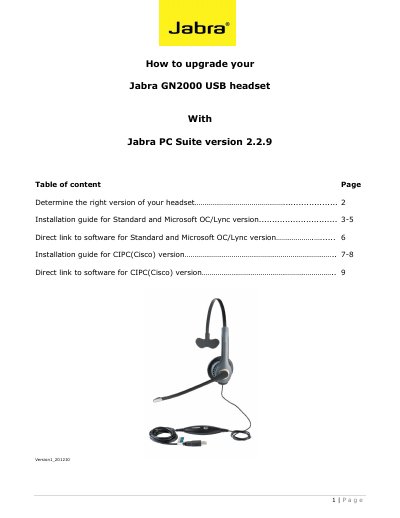
Jabra GN2000 USB Headset Firmware Upgrade Guide
This guide explains how to upgrade the firmware of Jabra GN2000 USB headsets. It covers different versions: Standard, Microsoft OC/Lync, and CIPC(Cisco). Each version has specific installation steps and software links. For Standard and Microsoft OC/Lync versions, users must update Jabra PC Suite to version 2.2.9 before proceeding. For CIPC(Cisco) versions, users must avoid installing Jabra PC Suite to preserve Remote Call Control functionality. This manual is written in Chinese.
Read onlineJabra GN2000 specifications
| Bandwidth | up to 6 800 Hz |
|---|---|
| Peak‑stop protection | 118 dB SPL (RMS) |
| Interface | USB audio device, plug‑and‑play |
All Jabra GN2000 documents by type
Day-to-day operation, settings and troubleshooting. Start here if the product is already set up.
Ratings, dimensions and ordering codes, for selection and design work.
Questions answered in these manuals
What is the latest version of Jabra PC Suite required for firmware updates?
Update to version 2.2.9 before updating the Jabra GN2000 USB headset.
Can I use Jabra PC Suite with CIPC(Cisco) versions?
No, installing Jabra PC Suite will result in loss of Remote Call Control functionality.
What is the audio bandwidth of the Jabra GN2000 OC headset?
The headset provides a bandwidth of up to 6 800 Hz.
Do I need to install drivers for the GN2000 OC headset?
No, it works as a USB audio device with native Windows drivers.
What is the frequency response of the Jabra GN2000 Mono USB headset?
It provides a frequency response up to 6,800 Hz.
Do I need to install drivers for the headset?
No, the headset is a plug‑and‑play USB audio device that works with Windows native drivers.