
Key facts
- Manuals
- 95
- Models
- 20
- Categories
- 2
- Languages
- ZH
- Last added
- 2026-10-03
Jabra models by category
Featured Jabra manuals
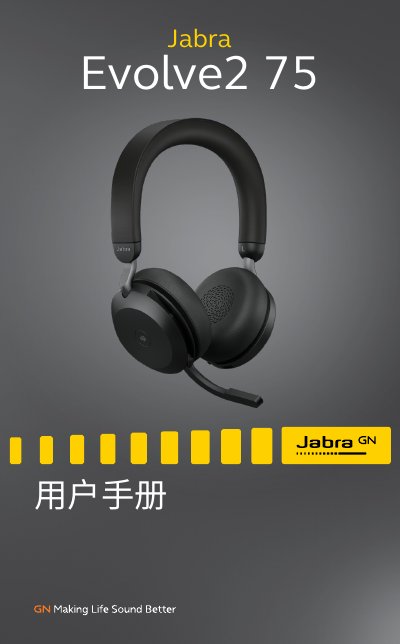
Jabra Evolve2 75 User Manual
This manual provides a complete guide to the Jabra Evolve2 75 headset, covering everything from the included accessories to optional add‑ons. It introduces the headset’s design, how to adjust the headband, position the microphone boom, and properly store the device.
Key sections detail charging methods (desktop stand or USB‑C cable), LED indicator meanings, Bluetooth and USB‑C connection options, everyday usage controls, software integration with Jabra Sound+ and Jabra Direct, firmware updates, and troubleshooting with FAQs and care instructions. This manual is written in Chinese.
Covers: Welcome · Overview · How to Wear · How to Charge · LED Indicator Meaning · Connection Methods
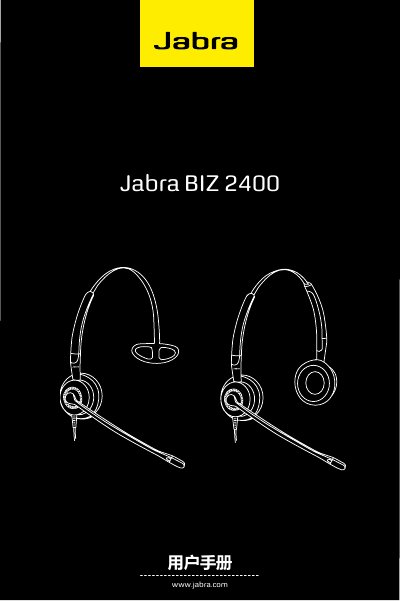
Jabra BIZ 2400 User Manual
This manual describes the Jabra BIZ 2400 headset, its parts, and the various wearing options – headband, ear‑hooks, neck‑band or double‑earcup configurations. It explains how to adjust the microphone, rotate the arm, and connect the headset to phones, computers or other audio sources using the Quick‑Disconnect (QD) connector.
Additional sections cover cleaning, maintenance, and proper disposal of the headset. Safety notes and warranty information are also included. This manual is written in Chinese.
Covers: Parts Overview · Wearing the Headset with Headband · Wearing the Headset with Earhooks · Wearing the Headset with Neckband · Wearing Double‑Earcup Headset · Connecting the Headset
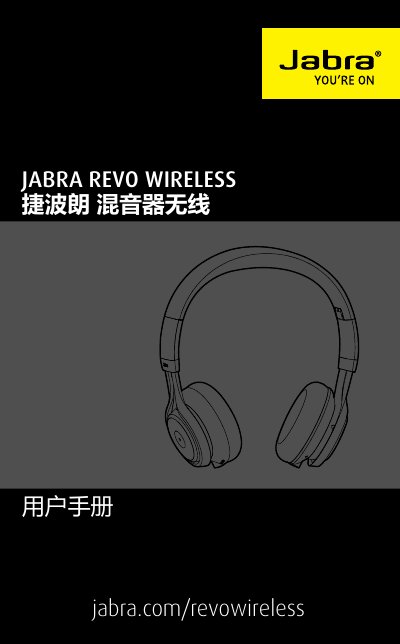
Jabra Revo Wireless User Manual
This manual introduces the Jabra Revo Wireless headset, describing its features, how to wear it, adjust the headband, and fold the device for storage. It also explains charging procedures using the micro‑USB cable and how to check battery status.
Instructions cover connecting the headset via Bluetooth, NFC, 3.5 mm audio cable, or USB, as well as using the touch controls, handling calls, and accessing voice prompts. The final sections give troubleshooting tips, care recommendations, and a full list of technical specifications. This manual is written in Chinese.
Covers: Welcome · Overview · How to Wear · How to Charge · How to Connect · How to Use
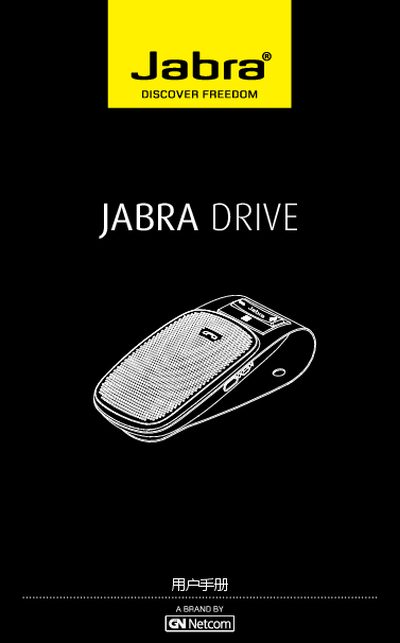
Jabra Drive User Manual
The Jabra Drive is a car‑mounted Bluetooth speaker that lets you make and receive calls, play music and use GPS prompts while driving. This manual provides step‑by‑step instructions for getting the device ready and using its functions safely.
Key sections cover the speaker’s features, button functions, indicator meanings, initial charging, power on/off, pairing with one or two phones, mounting in the vehicle, additional capabilities such as multi‑device use, and a troubleshooting/FAQ guide. This manual is written in Chinese.
Covers: Features · Button Operation · Indicator Light Meaning · Getting Started · Charging · Power On/Off
Latest Jabra manuals
Jabra Evolve2 75 User Manual
User Manual 37 pages · 3.5 MB · ZHThe Jabra Evolve2 75 user manual explains setup, wearing, charging, LED indicators, connectivity, usage features, software updates and support.
Jabra BIZ 2400 User Manual
User Manual 11 pages · 792 KB · ZHThe Jabra BIZ 2400 user manual provides instructions for wearing, connecting, cleaning and maintaining the headset.
Jabra Revo Wireless User Manual
User Manual 19 pages · 2.9 MB · ZHThe Jabra Revo Wireless user manual provides setup, wearing, charging, connection, usage, maintenance, and technical specifications.
Jabra Drive User Manual
User Manual 14 pages · 1.3 MB · ZHThe Jabra Drive user manual explains features, button operation, indicator lights, setup, charging, pairing, extra functions and troubleshooting for the car…
jabra BT500v Manual
This PDF file introduces Genesis Communications' products, including phones, phone accessories, data cards, USB modems, headsets, navigation systems, etc.
jabra BT2080 Manual
Jabra BT2080 is a sleek wireless headset that features StatusDisplay™ to show connection status and battery level, and is comfortable to wear thanks to the Jabra Eargel™ tips and earhook.
jabra GN2000 Manual
The Jabra GN2000 OC headset lets users take advantage of the authentic wideband audio of Microsoft® Office Communicator 2007 – even in noisy environments. The noise-cancelling microphone enables clear communications by effectively reducing unwanted ambient noise.
Jabra VBT185Z Manual
The Jabra VBT185Z is a Bluetooth headset for Verizon Wireless that supports the Bluetooth 2.0 EDR + eSCO protocol. It weighs less than 1/2 ounce, is 2 inches long, less than 1 inch wide, and 0.75 inches deep. The headset can pair with Bluetooth-enabled mobile devices and provides 8 hours of talk time and 300 hours of standby time.
Jabra JX20 PURA Manual
The Jabra JX20 Pura is a stylish headset with a unique design that combines sleek lines, brushed anodized titanium body, and a high-gloss black trim. It is compact and lightweight, making it convenient to carry and comfortable to wear. With digital sound processing technology, it delivers crystal-clear sound quality and features intelligent volume control. The headset also offers auto pairing with your phone and long talk time and standby time.
Jabra PRO 9460/9460-Duo quick Quick Start Guide
This document is a quick start guide for Jabra® PRO™ 9460 and 9460-Duo. It provides information on the design and specifications of the products, as well as contact information for the brand.
Jabra 2008 PRODUCT GUIDE
This document is a product guide for GN US, Inc. in 2008, introducing the features and characteristics of various Jabra products, including office headsets, multi-use headsets, call center headsets, IP telephony headsets, and mobile headsets.
Jabra CRUISER handbook
Jabra cruiser is a Bluetooth in-car speakerphone equipped with dual microphone technology. It eliminates background noise, improves call quality, and has features such as voice announcements and multi-device connectivity.
Jabra GN200 MONO USB OC handbook
The Jabra GN2000 MONO USB headset is a wideband audio headset that provides users with excellent call quality. The headset supports Microsoft® Office Communicator 2007 and provides true wideband audio. The headset has hands-free, flexible use for both left and right ears, and is fully compatible with Office Communicator 2007.
Jabra BT125 Manual
The Jabra BT125 is a Bluetooth headset that weighs only 14 grams and features a flexible earhook that can be comfortably worn on any ear. It supports Bluetooth 2.0 and offers features such as hands-free calling, voice dialing, call rejection, call hold, call waiting, and last number redial.
Jabra SPORT Manual
This headset is rainproof, sweatproof and shockproof, and conforms to the US military standard. It also has a built-in FM radio, so you can enjoy wireless music and calls while exercising.
Which document do I need?
User Manual
Day-to-day operation, settings and troubleshooting. Start here if the product is already set up.
Questions answered in Jabra manuals
How long does it take to fully charge the headset?
It takes about 2 hours 40 minutes to fully charge the battery.
What is the battery runtime on a full charge?
The headset provides up to 36 hours of battery life on a full charge.
How do I connect the headset to a phone?
Insert the headset’s Quick‑Disconnect (QD) connector into the matching QD adapter, then plug the adapter into the phone’s handset socket or a compatible computer port.
Why is there no sound?
Increase the speaker volume and make sure the headset is properly connected to the device.
What should I do if Bluetooth connection problems occur?
Delete or forget the headset in the device’s Bluetooth menu, then follow the pairing instructions to reconnect.
How do I charge the Jabra Drive?
Connect the speaker to a car charger with the supplied USB cable; the indicator lights red while charging and turns green when fully charged.
From: Jabra Drive User Manual