
Key facts
- Brand
- Jabra
- Model
- Talk 35
- Documents
- 2
- Languages
- EN
- Last added
- 2026-10-20
Start here
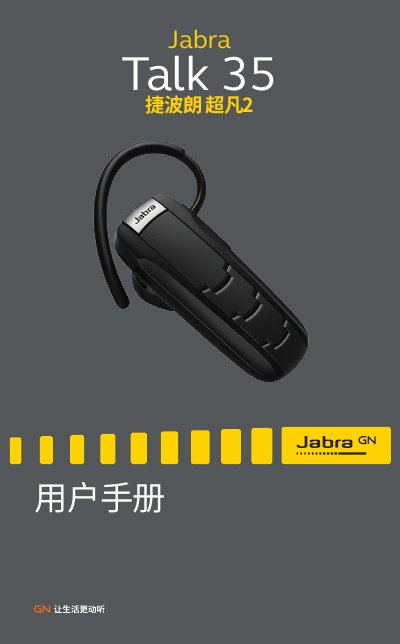
Jabra Talk 35 Wireless Headset User Manual
This manual provides instructions for the Jabra Talk 35 wireless headset, a Bluetooth device designed for hands-free calling and music playback. It details the headset's features, including Noise Blackout technology and Multiuse™ multi-point connection capabilities.
Read onlineJabra Talk 35 specifications
| Talk Time | approx. 6 hours |
|---|---|
| Standby Time | approx. 9 days |
| Dimensions | 48.3 x 17.9 x 23.4 mm |
| Bluetooth Version | 3.0 |
| Max Range | 10 meters |
| Encryption | 128-bit |
All Jabra Talk 35 documents by type
Day-to-day operation, settings and troubleshooting. Start here if the product is already set up.
Questions answered in these manuals
What is the PIN code for pairing?
The PIN code for pairing is 0000.
How long does it take to charge the headset?
It takes approximately 2 hours to fully charge the headset.
How do I pair my Jabra Talk 35 with my phone?
Turn on the headset; it will enter pairing mode and flash blue. Enable Bluetooth on your phone, search for devices, select 'Jabra Talk 35', and confirm pairing with PIN 0000.
What does the LED light indicate?
Flashing blue = incoming call or pairing mode; solid green = fully charged; red = low battery; yellow = medium battery; green = high battery.