
User manual for the Jabra Evolve2 40 SE headset, covering setup, wearing, LED indicators, calls, music, microphone mute, sidetone, voice prompts, multiple…
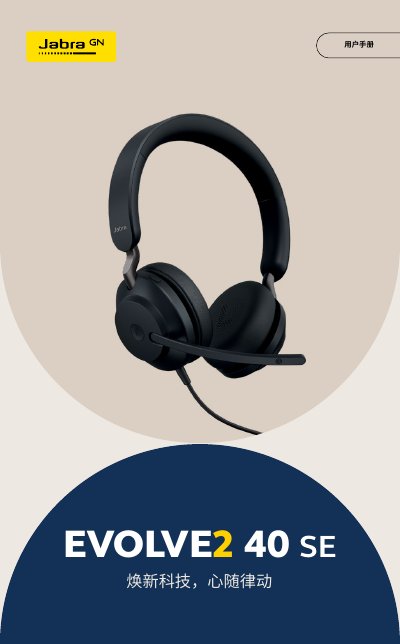
This user manual is for the Jabra Evolve2 40 SE headset. It covers product overview, included accessories, connection to computers and mobile devices, wearing and adjustment, LED indicator meanings, calls and music, microphone mute, sidetone, voice prompts, handling multiple calls, Jabra Direct, firmware updates, and support.
The headset features 3-microphone call noise cancellation, a built-in busy light, and 40 mm speakers. The manual also includes care instructions such as storing the headset in the supplied bag and avoiding extreme temperatures and liquids. This manual is written in Chinese.
| Model number | HSC131 |
|---|---|
| Call noise cancellation | 3-microphone technology |
| Busy light | Built-in |
| Speaker size | 40 mm |
Insert it into a USB-A or USB-C port on the computer, depending on the headset's USB model.
Insert it into the mobile device's USB-C port; not all USB-C devices or applications support an audio connection.
Hold the Mute button and Volume up button for 5 seconds until a prompt is heard, or use Jabra Direct.
Double-press the Multi-function button.