
EVOLVE2 40 is a headset from Jabra that features three-microphone call technology, all-day comfort, an integrated busy light, and a 40mm speaker for excellent sound.
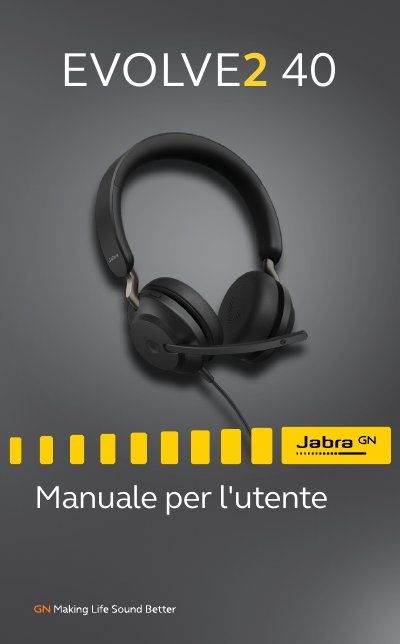
This manual explains how to connect, wear, and use the Jabra Evolve2 40 headset. It covers features like three-microphone calling, Microsoft Teams integration, and LED indicators. Sections include software updates via Jabra Direct and care instructions to maintain the device.
The guide also details multi-call management, volume control, mute functions, and troubleshooting support resources. This manual is written in Italian.
| Microphones | Three-microphone calling technology |
|---|---|
| Speaker | 40 mm speaker for exceptional audio |
| Integrated Feature | Integrated busy light |
Connect the Jabra Evolve2 40 to a USB-A or USB-C port on your computer, depending on the headset variant.
Connect the headset to a computer and use Jabra Direct to download the latest firmware updates.
The busy light indicates that the headset is in use or connected to Microsoft Teams.