
Key facts
- Brand
- Jabra
- Model
- Talk 45
- Category
- Other Electronics
- Documents
- 2
- Languages
- ZH · ES
- Last added
- 2023-10-19
Start here
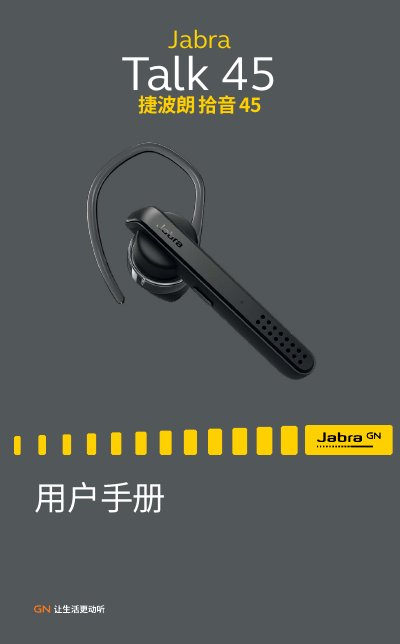
Jabra Talk 45 User Manual
The Jabra Talk 45 is a wireless headset designed for clear calls with HD voice and dual-microphone noise reduction. It supports media streaming, voice control for Siri, and offers approximately 6 hours of talk time with up to 8 days of standby time. The device features an ergonomic design with interchangeable ear tips and ear hooks for comfortable wear. This manual is written in Chinese.
Read onlineJabra Talk 45 specifications
| Talk Time | approx. 6 hours |
|---|---|
| Standby Time | approx. 8 days |
| Charging Time | approx. 2 hours |
| Voice Assistant | Siri |
Source: Jabra Talk 45 User Manual
All Jabra Talk 45 documents by type
Day-to-day operation, settings and troubleshooting. Start here if the product is already set up.
Questions answered in these manuals
How do I charge the headset?
Pull back the protective cover on the charging port and connect the headset to a USB port using the included USB cable.
How do I pair the headset with a mobile device?
Turn on the headset, press and hold the answer/hang up button for 3 seconds until the Bluetooth indicator flashes blue, then follow the voice prompts.
How do I connect the headset via NFC?
Slide the NFC zone of the headset slowly over the NFC zone on the mobile device until the connection is confirmed.
How do I put the current call on hold?
Press and hold the Answer/End button for 2 seconds.