
User manual for the Jabra Evolve2 40 headset, covering connection, wearing styles, and call management.
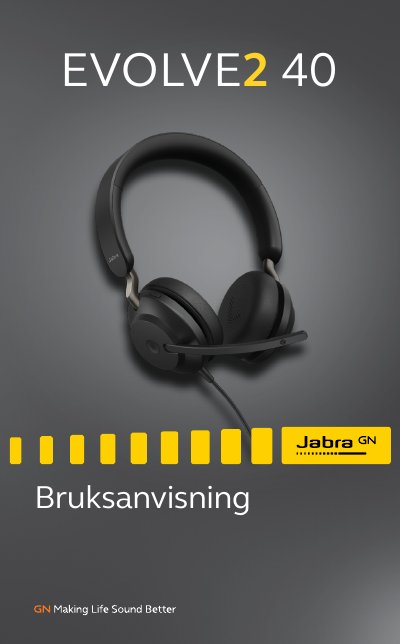
The Jabra Evolve2 40 is a headset designed for all-day comfort, featuring three-microphone technology, built-in Busylight, and 40mm speakers for high-quality sound.
This manual provides instructions on connecting the device to computers via USB-A or USB-C and to mobile devices, as well as guidance on adjusting the headset and managing calls. This manual is written in Swedish.
| Speaker size | 40mm |
|---|---|
| Microphone technology | Three-microphone technology |
Connect the Jabra Evolve2 40 to a computer and use the Jabra Direct software to search for the latest updates.
You should avoid storing the headset in temperatures over 40 °C or under -40 °C.
Press and hold the Multifunction button for two seconds to park the current call and answer an incoming one.
The Busylight status lamp will indicate that the headset is connected to the computer and logged into Microsoft Teams.