
Key facts
- Brand
- Jabra
- Model
- STONE2
- Industry
- Electronics
- Documents
- 2
- Languages
- EN
- Last added
- 2012-05-09
Start here
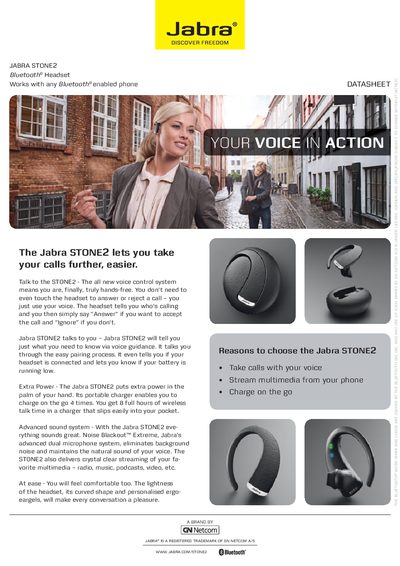
Jabra STONE2 Bluetooth Headset Quick Start Guide
The Jabra STONE2 is a Bluetooth® headset that lets you make and receive calls hands‑free using voice control. It features Noise Blackout™ Extreme dual microphones, up to 10 hours of talk time, and a portable charger that provides up to four extra charges on the go.
This Quick Start Guide covers how to charge the headset, pair it with a phone, turn it on and off, use the answer/end button, and activate voice‑activated call answering. It also lists key specifications such as weight, dimensions, Bluetooth version, and battery indicators.
Jabra STONE2 specifications
| Weight | 7 g |
|---|---|
| Dimensions | 58 × 50.7 × 24.7 mm (2.3 × 2 × 1 in) |
| Talk time | Up to 10 hours |
| Standby time | Up to 15 days |
| Bluetooth version | 2.1 + EDR & eSCO |
| Charging connector | Micro‑USB 5‑pin / B‑type |
All Jabra STONE2 documents by type
The shortest path to a working setup, usually only a few pages.
Questions answered in these manuals
How do I charge the Jabra STONE2 headset?
Place the headset in the portable charger; the red light turns off when fully charged. The headset can also be charged on the go by keeping it in the charger.
How do I charge the Jabra STONE2 headset?
Place the headset in the portable charger; the red light turns off when fully charged.
How can I answer a call without touching the headset?
Say “Answer” to accept a call or “Ignore” to reject it; you can also tap the answer/end button.