
Key facts
- Brand
- Grandstream
- Model
- GXV3370
- Category
- Telephone
- Documents
- 2
- Languages
- EN
- Last added
- 2023-11-17
Start here
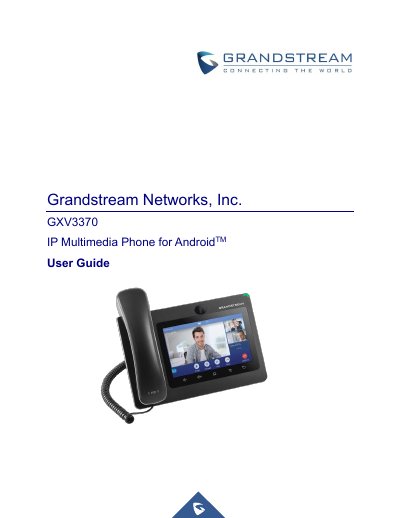
Grandstream GXV3370 IP Multimedia Phone User Guide
This document serves as the official user guide for the Grandstream GXV3370 IP Multimedia Phone running Android. It provides comprehensive instructions on getting started, including equipment packaging, physical description, and connecting the device. The guide details how to use the touchscreen, desktop interface, and various keys to navigate the system.
Read onlineGrandstream GXV3370 specifications
| Operation temperature | 0 °C to +40 °C |
|---|---|
| Storage temperature | -10 °C to +60 °C |
| Humidity | 10 to 90% non-condensing |
Source: Grandstream GXV3370 IP Multimedia Phone Administration Guide
All Grandstream GXV3370 documents by type
Day-to-day operation, settings and troubleshooting. Start here if the product is already set up.
Questions answered in these manuals
Where can I download the latest electronic version of this guide?
The latest electronic version is available for download at http://www.grandstream.com/support.
From: Grandstream GXV3370 IP Multimedia Phone Administration Guide
Where can I download the GNU GPL source code for the GXV3370?
Grandstream GNU GPL related source code can be downloaded from the Grandstream web site.
From: Grandstream GXV3370 IP Multimedia Phone Administration Guide
What is the video resolution capability of the GXV3370?
The phone supports a video resolution up to 720p with a frame rate up to 30 fps.
Does the GXV3370 support third-party applications?
Yes, it supports 3rd party apps such as Skype, Google Hangouts, and Skype for Business.