
Key facts
- Brand
- Grandstream
- Model
- GXV3500
- Industry
- Computers
- Documents
- 2
- Languages
- ZH · EN
- Last added
- 2012-05-11
Start here
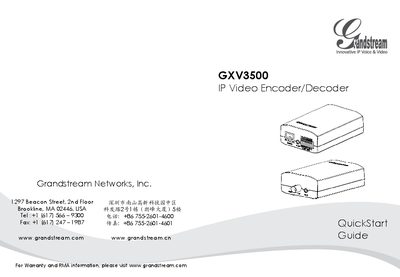
Grandstream GXV3500 IP Video Encoder/Decoder QuickStart Guide
The GXV3500 is an IP video encoder/decoder designed for surveillance and video streaming applications. This guide walks you through the basic installation, power selection, and initial network setup.
Key sections cover safety precautions, package contents, choosing between a 12 V DC adapter or PoE power, connecting to a network, accessing the web interface, installing the required video plug‑in, and configuring static IP settings for advanced use.
Grandstream GXV3500 specifications
| Operating temperature | -10°C to +55°C |
|---|---|
| Operating humidity | 10‑90% RH (non‑condensing) |
| Power supply voltage | 12 V DC |
| Default IP address | 192.168.1.168 |
Source: Grandstream GXV3500 IP Video Encoder/Decoder QuickStart Guide
All Grandstream GXV3500 documents by type
Day-to-day operation, settings and troubleshooting. Start here if the product is already set up.
The shortest path to a working setup, usually only a few pages.
Questions answered in these manuals
What are the default login credentials?
The default administrator username and password are both set to “admin”.
From: Grandstream GXV3500 IP Video Encoder/Decoder QuickStart Guide