
Key facts
- Brand
- Grandstream
- Model
- BudgeTone-200
- Category
- Other device
- Documents
- 3
- Languages
- EN
- Last added
- 2012-06-01
Start here
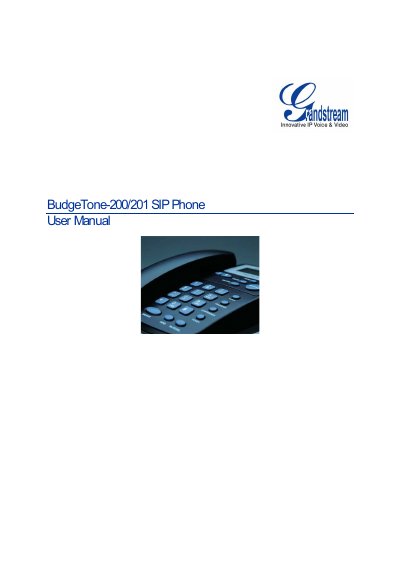
Grandstream BudgeTone-200/201 SIP Phone User Manual
This manual covers the Grandstream BudgeTone-200/201 SIP phone, describing its hardware features, safety compliance, and warranty information. It guides users through unpacking, connecting power, LAN, and headset, and explains the phone’s LCD and keypad functions.
Key sections include installation steps, configuration via keypad or web browser, firmware upgrades using TFTP/HTTP, and procedures for saving settings, rebooting, and restoring factory defaults. The document also lists technical specifications such as Ethernet ports, power requirements, and dimensions.
Grandstream BudgeTone-200 specifications
| Ethernet ports | Two 10/100 Mbps Full/Half Duplex Ethernet Switch |
|---|---|
| Power adaptor output | +5 VDC, 1200 mA |
| Dimensions | 220 mm × 180 mm × 65 mm |
| Weight | 0.9 kg (21 lb) |
All Grandstream BudgeTone-200 documents by type
Day-to-day operation, settings and troubleshooting. Start here if the product is already set up.
Questions answered in these manuals
How can I upgrade the firmware on the BudgeTone-200/201?
Firmware upgrades are performed via TFTP or HTTP using either the keypad menu or the web configuration interface.
How do I restore the phone to factory default settings?
Press the MENU button, select the reset option, enter the MAC address as instructed, and confirm to reboot the device.
How do I upgrade the firmware using TFTP?
Unzip the firmware files to the TFTP server root, set the server to "Transmit Only", configure the phone’s firmware server path with the PC’s IP address, start the server, then update and reboot the phone.
How can I restore the factory default settings?
Press the MENU button, navigate to "reset", enter the MAC address using the keypad mapping (e.g., A = 22), then confirm to reboot the phone.