
Key facts
- Brand
- Grandstream
- Model
- GXV3615
- Documents
- 3
- Languages
- ZH · EN
- Last added
- 2022-12-25
Start here
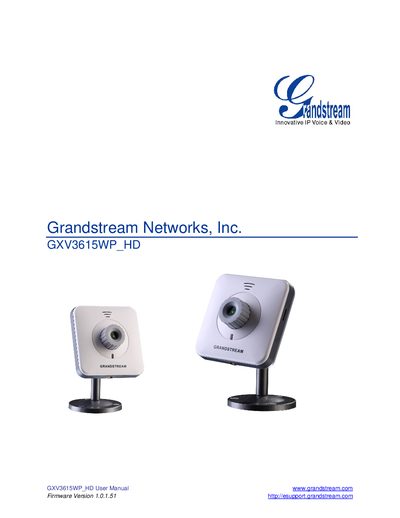
Grandstream GXV3615WP_HD IP Camera User Manual
The GXV3615WP_HD is a high‑definition IP camera featuring 720p video, H.264 compression, PoE, Wi‑Fi, and a microSD slot for local storage. This manual guides users through installation, safety precautions, and basic operation of the camera.
Key sections cover equipment contents, wiring, web‑based configuration, advanced settings such as motion detection and alarm servers, firmware upgrades, and procedures for restoring factory defaults.
Grandstream GXV3615 specifications
| Image Sensor | 1/4" CMOS, 680H x 512V pixel resolution |
|---|---|
| Power Input | 100‑240VAC, 50‑60Hz |
| Power Output | 12VDC/0.5A |
| Operating Temperature | 0°C – 45°C |
| Operating Humidity | 10‑90% RH (non‑condensing) |
| Lens Mount | M12 |
| Focal Length | 45mm |
| Aperture | f/1.5 |
All Grandstream GXV3615 documents by type
Day-to-day operation, settings and troubleshooting. Start here if the product is already set up.
Questions answered in these manuals
What is the required power supply voltage for this camera?
The device requires a DC 12 V power supply.
How much downward pull can the ceiling-mounted installation withstand?
After installation, the connection must be able to withstand at least 50 Newtons (N) of downward pull.
How do I perform a factory reset to clear the IP address?
Press the RESET button on the device for at least 6 seconds until you hear a beep.
Which Wi‑Fi standard is available on the GXV3615W model?
The GXV3615W supports Wi‑Fi (802.11b/g/n).
How can I reset the GXV3615WP_HD to factory defaults?
Press the reset button by inserting a pin into the hole on the back panel and hold for about 15 seconds until the device reboots, or use the reset option in the web interface.
What power options does the camera support?
The camera can be powered with a 12 V DC adapter or via Power over Ethernet (PoE).