
Key facts
- Brand
- Grandstream
- Model
- GXV3601
- Documents
- 2
- Languages
- EN
- Last added
- 2012-05-11
Start here
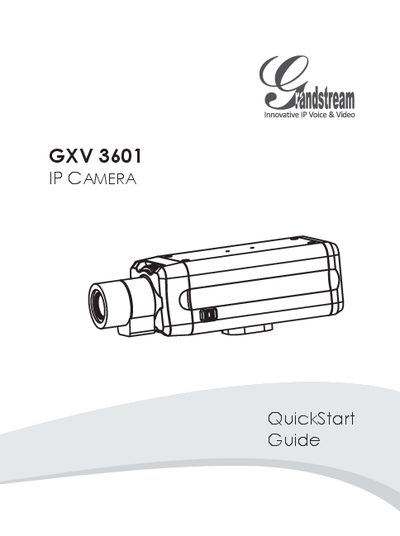
Grandstream GXV3601 IP Camera Quick Start Guide
This Quick Start Guide provides essential safety precautions and lists the package contents for the GXV3601 IP camera. It explains how to power the device either with a 12 V DC adapter (Option A) or via a Power over Ethernet (PoE) switch (Option B).
The guide walks you through connecting the camera to a network, setting a static IP address on your PC, and accessing the web interface using Internet Explorer. Default login credentials are admin/admin, and the interface allows you to install the required GSViewer ActiveX control and configure video and advanced settings.
Grandstream GXV3601 specifications
| Image Sensor | 1/3" Sony Super HAD CCD |
|---|---|
| Maximum Video Resolution | Full D1: 704 × 576 (PAL) / 704 × 480 (NTSC) |
| Power Input | 100‑240VAC, 50‑60Hz |
| Weight | 0.6 kg |
| Operating Temperature | 0 °C – 45 °C (32 °F – 133 °F) |
All Grandstream GXV3601 documents by type
Day-to-day operation, settings and troubleshooting. Start here if the product is already set up.
The shortest path to a working setup, usually only a few pages.
Questions answered in these manuals
How do I perform a factory reset on the GXV3601?
Press and hold the RESET button on the device for at least 6 seconds until you hear a beep.