
Key facts
- Brand
- Grandstream
- Model
- GXV3662
- Documents
- 2
- Languages
- EN
- Last added
- 2012-05-11
Start here
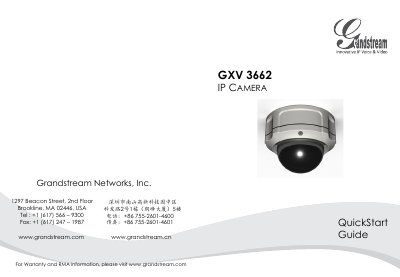
Grandstream GXV3662 IP Camera Quick Start Guide
This guide provides step‑by‑step instructions for installing the GXV3662 IP camera. It includes package contents, safety precautions, lens vertical and horizontal adjustment, and mounting procedures.
The document also explains power options (PoE or 12 V adapter), network connection, default login credentials, and basic web‑interface configuration, plus lens specifications and a sample connection diagram.
Grandstream GXV3662 specifications
| Image Sensor | 1/3‑Inch CMOS |
|---|---|
| Focal Length | 3.3 mm‑12 mm |
| Aperture Ratio | F1.6‑F3.2 |
| View Angle (Diagonal) | 125.7°‑29.9° |
| Minimum Object Distance | 50 cm |
| IR‑CUT Filter | Yes |
| Operating Temperature | -20 °C to +60 °C |
| Operating Humidity | 10‑90 % RH (non‑condensing) |
All Grandstream GXV3662 documents by type
The shortest path to a working setup, usually only a few pages.
Day-to-day operation, settings and troubleshooting. Start here if the product is already set up.
Questions answered in these manuals
How can the camera be powered?
It can be powered either via PoE from a compatible switch or with the supplied 12 V DC power adapter.
What is the default static IP address if DHCP fails?
The camera uses the default static IP address 192.168.1.168.
Can I use a third‑party power adapter with the GXV3662?
No, you must use the supplied 12 V DC power adapter and should not use a third‑party power adapter or power cord.
How do I reset the camera to factory defaults?
Press and hold the Reset button for 6 seconds to perform a factory reset.