
Key facts
- Brand
- Grandstream
- Model
- GWN7800 Series
- Category
- Network Switches
- Industry
- Computers
- Documents
- 2
- Languages
- EN · ZH
- Last added
- 2026-11-01
Start here
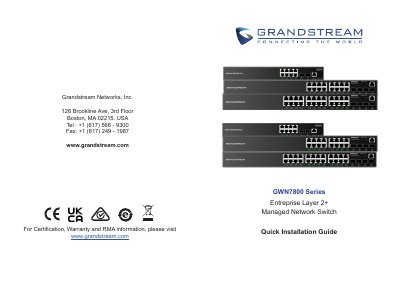
Grandstream GWN7800 Series Enterprise Layer 2+ Managed Network Switch Quick Installation Guide
This guide provides quick installation instructions for the Grandstream GWN7800 Series Enterprise Layer 2+ Managed Network Switch. It covers package contents, port descriptions, LED indicators, and safety precautions for operation and storage.
Read onlineGrandstream GWN7800 Series specifications
| Power Input | 100-240VAC 50-60Hz |
|---|---|
| Operating Temperature | 0 °C to 45 °C |
| Storage Temperature | -10 °C to 60 °C |
| Operating Humidity | 10-90% RH (non-condensing) |
| Storage Humidity | 5-95% RH (non-condensing) |
| Default IP Address | 192.168.0.254 |
| Default Username | admin |
| Reset Duration | 5 seconds |
Source: Grandstream GWN7800 Series Enterprise Layer 2+ Managed Network Switch Quick Installation Guide
All Grandstream GWN7800 Series documents by type
The shortest path to a working setup, usually only a few pages.
Day-to-day operation, settings and troubleshooting. Start here if the product is already set up.
Questions answered in these manuals
What is the default IP address for the switch?
The default IP address is 192.168.0.254 if no DHCP server is available.
From: Grandstream GWN7800 Series Enterprise Layer 2+ Managed Network Switch Quick Installation Guide
How do I perform a factory reset?
Press the Factory Reset pinhole for 5 seconds to reset factory default settings.
From: Grandstream GWN7800 Series Enterprise Layer 2+ Managed Network Switch Quick Installation Guide
How do I view the running configuration?
Use the showrunning-config command in Privileged EXEC mode.
From: Grandstream GWN7800 Series Enterprise 2+ Layer Managed Switch Command Line Manual
How do I reboot the switch?
Enter the Reboot command in Privileged EXEC mode.
From: Grandstream GWN7800 Series Enterprise 2+ Layer Managed Switch Command Line Manual