
Key facts
- Brand
- Gigabyte
- Model
- GA-586ATX
- Category
- Motherboard
- Industry
- Computers
- Documents
- 2
- Languages
- EN
- Last added
- 2012-04-09
Start here
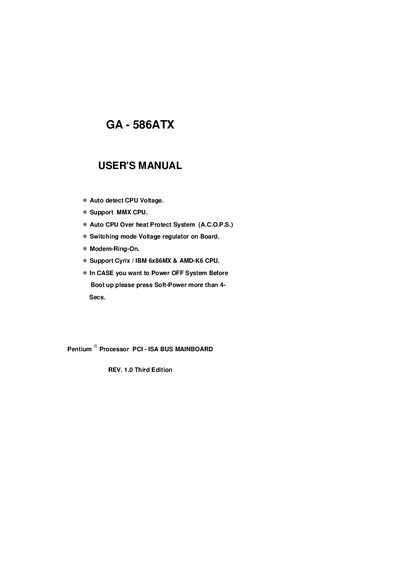
GA-586ATX Pentium Processor PCI-ISA Bus Mainboard User Manual
This manual covers the GA-586ATX mainboard features, including automatic CPU voltage detection, MMX support, and an on‑board switching mode voltage regulator. It provides a quick installation guide with CPU switch settings for various Pentium and compatible CPUs, as well as detailed tables for configuring the board.
Additional sections include a problem‑sheet appendix for recording system configuration and issues, and an FCC compliance appendix that outlines the device's radio‑frequency emission limits and recommended mitigation steps.
Gigabyte GA-586ATX specifications
| CPU Voltage Detection | Auto detect CPU Voltage |
|---|---|
| MMX CPU Support | Support MMX CPU |
| CPU Overheat Protection | Auto CPU Over heat Protect System (A.C.O.P.S.) |
| On‑board Voltage Regulator | Switching mode Voltage regulator on Board |
| Modem Ring Feature | Modem‑Ring‑On |
| Supported CPUs | Cyrix/IBM 6x86MX & AMD‑K6 CPUs |
| Power‑off Procedure | Press Soft‑Power >4 seconds before boot |
| ISA Slot for 5 V CMOS Card | Insert in Slot 7 |
All Gigabyte GA-586ATX documents by type
Day-to-day operation, settings and troubleshooting. Start here if the product is already set up.
Questions answered in these manuals
How do I set the CPU switches for a Pentium 133 MHz processor?
Set SW1 to OFF, SW2 to ON, and SW3‑SW8 to OFF as shown in the Quick Installation Guide.
Where can I find the default BIOS drive parameters?
The BIOS default drive table is listed in Appendix C, showing size, cylinders, heads and sectors for each supported drive model.
How do I power off the system before booting?
Press the Soft‑Power button for more than four seconds.
From: GA-586ATX Pentium Processor PCI-ISA Bus Mainboard User Manual
Where can I find the FCC compliance information?
The FCC Declaration of Conformity is included in Appendix E of the manual.
From: GA-586ATX Pentium Processor PCI-ISA Bus Mainboard User Manual