
GA-586ATX is a motherboard model with MMX CPU support. It has a switching mode voltage regulator on board and supports Cyrix / IBM 6x86MX & AMD-K6 CPU.
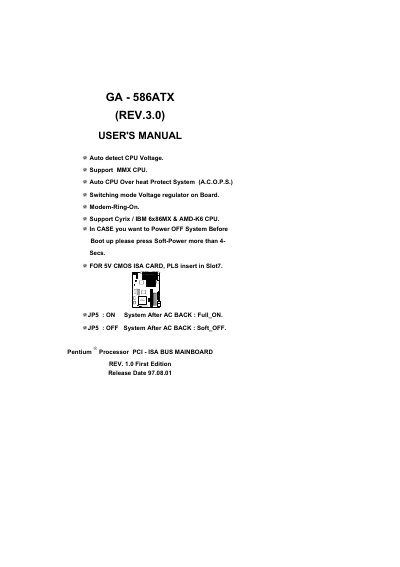
This manual covers the quick installation procedure for the GA‑586ATX motherboard, including CPU frequency switch settings for Pentium, MMX, Cyrix/IBM 6x86MX and AMD‑K6 processors. It also describes the board's automatic CPU voltage detection, over‑heat protection, on‑board voltage regulator and special features such as Modem‑Ring‑On.
Additional sections provide BIOS default drive tables, a problem‑sheet for service technicians, FCC compliance statements, and a declaration of conformity. The appendices contain detailed drive parameters, troubleshooting forms and regulatory information.
| CPU Voltage Detection | Auto detect CPU Voltage |
|---|---|
| MMX CPU Support | Support MMX CPU |
| CPU Overheat Protection | Auto CPU Over heat Protect System (A.C.O.P.S.) |
| On‑board Voltage Regulator | Switching mode Voltage regulator on Board |
| Modem Ring Feature | Modem‑Ring‑On |
| Supported CPUs | Cyrix/IBM 6x86MX & AMD‑K6 CPUs |
| Power‑off Procedure | Press Soft‑Power >4 seconds before boot |
| ISA Slot for 5 V CMOS Card | Insert in Slot 7 |
Set SW1 to OFF, SW2 to ON, and SW3‑SW8 to OFF as shown in the Quick Installation Guide.
The BIOS default drive table is listed in Appendix C, showing size, cylinders, heads and sectors for each supported drive model.
Press and hold the Soft‑Power button for more than four seconds.