
This document is the operator's guide for the fi-6010N network scanner. It provides information about the scanner's features and functions, part names and functions, user types and operations, and system requirements.
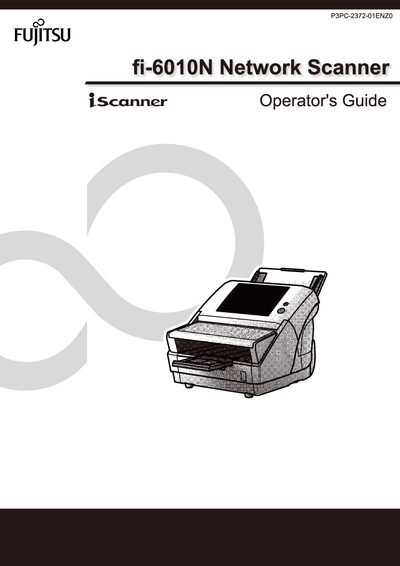
This Operator's Guide covers the features, basic uses, and system requirements of the Fujitsu fi-6010N Network Scanner. It explains how to install the scanner, configure network settings, and manage users through the Admin Tool and Central Admin Console.
The manual also details maintenance procedures, job sequencing, log management, and troubleshooting steps, including how to back up and restore system settings and user data.
Use the Network Settings menu, option 4.7.1 Giving the Scanner an IP Address.
Select Maintenance Menus → 4.10.1 Maintaining the User Data Store → Backing up the User Data Store.