
This manual introduces the basic functions and settings of the fi-6010N network scanner to help you get started quickly
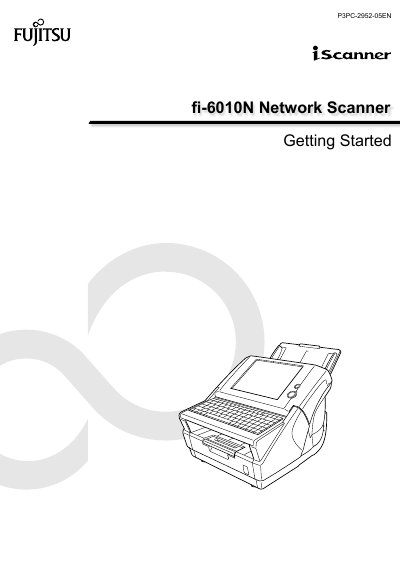
This document is the Getting Started guide for the FUJITSU fi-6010N Network Scanner. It covers initial setup procedures, including logging in, checking package contents, and identifying scanner parts. The guide also details how to install the scanner, connect cables, and attach the keyboard cover.
It is used to scan documents for further use.
The length of the AC cable must be 2 meters (6.6 feet) or less.