
Fujitsu fi-6010N Network Scanner User Guide

This user guide provides installation, connection, setup, and maintenance instructions for the Fujitsu fi-6010N network scanner.
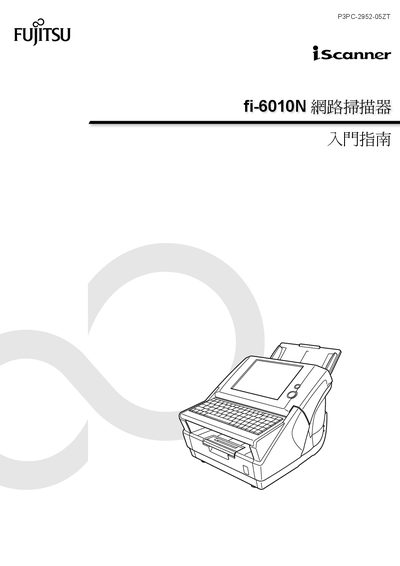

Fujitsu fi-6010N Network Scanner User Guide - cover page
Brand
Fujitsu
Category
Scanner
Document type
User Manual
Language
Chinese
Pages
43
File format
PDF
File size
10 MB
Published
15 October, 2026
Updated
15 October, 2026
MD5 checksum
A99E15777FE805B18345BEA454CA80C4

About this manual

This manual serves as an introductory guide for the Fujitsu fi-6010N network scanner, covering essential topics such as installation, network configuration, and basic operation. It includes information on connecting cables, installing the Admin Tool software, and performing scan tests. The document also addresses safety precautions, legal compliance (FCC and Canadian DOC regulations), and trademark information. This manual is written in Chinese.

What's inside

  • Introduction
  • Scanner Functions
  • Setting Up the Scanner
  • Configuring Network Usage
  • Installing Admin Tool
  • Running Scan Tests
  • Maintenance
  • Troubleshooting

Frequently asked questions

What is the maximum noise level of this scanner?

The highest sound pressure level is 70 dB (A) or less.

What is the maximum length allowed for the power cord?

The power cord length should not exceed 2 meters (6.6 feet).

Which operating system was used for the screenshots in this manual?

The screenshots were taken from Windows Vista.

Download PDF (10 MB)

More Fujitsu Manuals


View all Fujitsu manuals →