
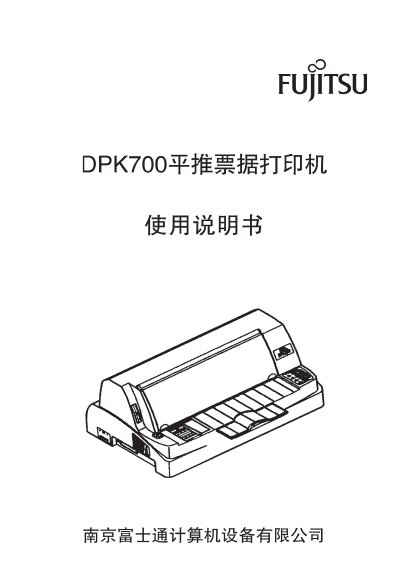
This manual provides detailed instructions for installing, operating, and maintaining the Fujitsu DPK700 dot matrix printer. It covers safety precautions, component identification, power setup, ribbon installation, and troubleshooting. The printer supports high-speed printing with 24-pin technology and is designed for use in business and office environments.
The manual also includes technical specifications such as print speed, character sets, and compatibility with various interfaces and control codes, along with operational tips for optimal performance. This manual is written in Japanese.
| Print Speed | 67 characters/second (ANK), 100 characters/second (PICA) |
|---|---|
| Print Resolution | 0.2mm x 0.2mm |
| Print Head Life | 5 million lines |
| Ribbon Life | 5.5 million characters (ANK draft) |
| Print Width | 70mm minimum |
The printer can print at 67 characters/second (ANK) or 100 characters/second (PICA).
The minimum print width is 70mm, suitable for various document types including receipts and business cards.
The print head is designed for 5 million lines of printing.
The printer supports ESC/ASCII control codes for functions like bidirectional printing, ribbon control, and character set switching.