
DPK700S Flat-Push Ticket Printer User Manual, introduces the installation and use of the printer, including the product features, safety precautions and other information
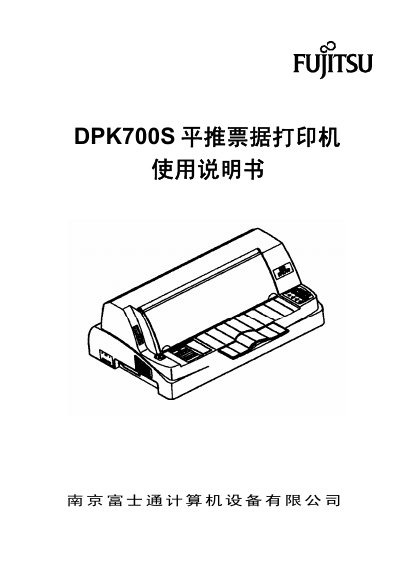
The DPK700S is a 24‑needle receipt printer designed for printing tickets, office documents, and statistical reports. It offers high‑speed printing, multiple paper handling options, and long‑life consumables.
This manual covers safety precautions, printer components, installation steps, paper handling, panel operation, network setup, and simple fault troubleshooting, helping users set up and maintain the printer efficiently. This manual is written in Chinese.
| Print head type | 24‑needle |
|---|---|
| Print width | 80 columns |
| Printing speed (Chinese characters) | 201 characters/second |
| Printing speed (English characters) | 300 characters/second |
| MTBF | 10,000 hours |
| Machine life | 5,000,000 lines |
| Print head life | 400 million strokes per needle |
Do not use the printer in wet locations such as bathrooms, and always turn off the power and unplug the printer before handling accessories or performing maintenance.
Check that paper is correctly loaded and positioned, ensure the ribbon is properly installed and not expired, and verify that the interface cable is securely connected before restarting the printer.
Open the printer, remove any jammed paper, re‑install the ribbon if necessary, and reset the paper feed lever to the proper position before closing the cover.