
Key facts
- Brand
- DELL
- Model
- Intel AMT v4.0
- Category
- Other software
- Industry
- Computers
- Documents
- 4
- Languages
- JA · KO · ZH · ZH-TW
- Last added
- 2026-11-18
Start here
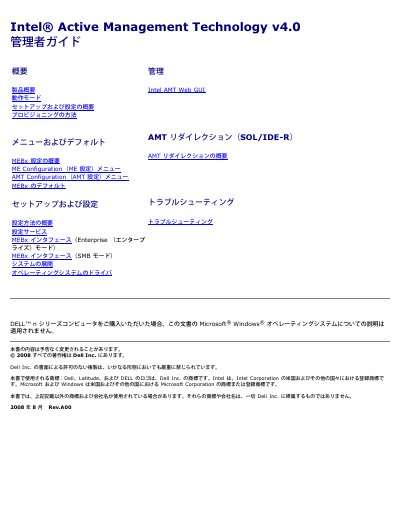
Dell Intel Active Management Technology v4.0 Administrator Guide
Published by Dell, this administrator guide covers Intel Active Management Technology (Intel AMT) v4.0 and explains how organizations can manage networked computers regardless of whether the computer is powered on or the operating system is available. It describes out-of-band access, remote troubleshooting and recovery, proactive alerts, and remote hardware and software asset tracking.
The document explains Enterprise and SMB operating modes, setup and configuration states, provisioning methods, MEBx menus and defaults, the Intel AMT Web GUI, AMT redirection (SOL/IDE-R), and troubleshooting. This manual is written in Japanese.
Dell Intel AMT v4.0 specifications
| Operating modes | Enterprise or Small and Medium Business |
|---|---|
| Default mode on Dell computers | Enterprise |
| Network support | Dynamic and static IP |
| TLS support in Enterprise mode | Supported |
| Setup and configuration states | factory-default, setup, provisioned |
| Configuration time | Usually 2–3 seconds |
Source: Dell Intel Active Management Technology v4.0 Administrator Guide
All Dell Intel AMT v4.0 documents by type
Day-to-day operation, settings and troubleshooting. Start here if the product is already set up.
Questions answered in these manuals
What operating modes does Intel AMT support?
Intel AMT can be set up in Enterprise mode or Small and Medium Business (SMB) mode.
From: Dell Intel Active Management Technology v4.0 Administrator Guide
What is the default Intel AMT mode on Dell computers?
The factory default is Enterprise mode.
From: Dell Intel Active Management Technology v4.0 Administrator Guide
What is MEBx?
MEBx is the Intel Management Engine BIOS Extension, an optional ROM module provided by Intel to Dell and included in Dell BIOS.
From: Dell Latitude n-series Intel AMT v4.0 Administration Guide
What must be different when using static IP networking?
The Intel AMT IP address must be different from the operating system's IP address. The Intel AMT host name must also be different from the operating system's host name.
From: Dell Latitude n-series Intel AMT v4.0 Administration Guide
What is the default setting for Intel® AMT on Dell™ computers?
Dell™ computers are shipped with Intel® AMT set to enterprise mode by default.
What can Intel AMT be used for?
It can be used to manage network-connected computers, including discovering assets and repairing systems remotely.