
Dell Intel® AMT v4.0 Administrator's Guide

Intel® Active Management Technology (Intel® AMT) enables companies to easily manage their networked computers by: Searching for computer assets on the network (whether the computer is on or off).
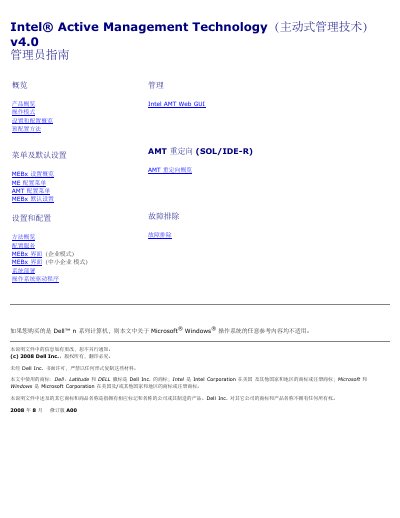

Dell Intel® AMT v4.0 Administrator's Guide - cover page
Brand
DELL
Document type
User Manual
Language
Chinese
Pages
141
File format
PDF
File size
7.7 MB
Published
22 November, 2023
Updated
22 November, 2023
MD5 checksum
4A4EE18882DC256D48A7D6BA4783B240

About this manual

本指南介绍如何配置和管理 Dell 计算机上的 Intel® Active Management Technology (Intel® AMT) v4.0,支持企业模式和中小企业模式。用户可通过 MEBx 设置界面配置 ME 和 AMT,支持远程管理、故障排除和安全控制。 配置服务可自动完成企业模式设置,而中小企业模式则需手动配置,但无需 TLS 加密。 This manual is written in Chinese.

What's inside

  • 产品概览
  • 操作模式
  • 设置和配置概览
  • 预配置方法
  • 菜单及默认设置
  • MEBx 设置概览
  • ME 配置菜单
  • AMT 配置菜单
  • MEBx 默认设置
  • 配置服务

Frequently asked questions

What is the default setting for Intel® AMT on Dell™ computers?

Dell™ computers are shipped with Intel® AMT set to enterprise mode by default.

Download PDF (7.7 MB)

More DELL Manuals


View all DELL manuals →