
Key facts
Start here
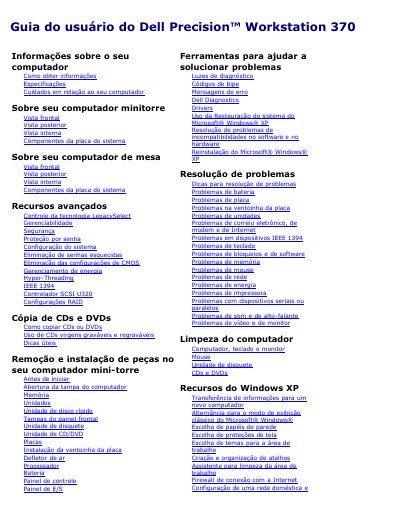
Dell Precision Workstation 370 User's Guide
The Dell Precision Workstation 370 User's Guide covers the mini-tower and desktop versions of the computer, including front, back, and internal views, system board components, and advanced features.
It also documents system setup, power management, Hyper-Threading, IEEE 1394, U320 SCSI, RAID, CD/DVD copying, part removal and installation, Dell Diagnostics, drivers, Windows XP features, troubleshooting, cleaning, and Dell support contacts. This manual is written in Portuguese.
Dell Precision 370 specifications
| Microprocessor type | Intel Pentium 4 with HT Technology Extreme Edition or Intel Pentium 4 with HT Technology |
|---|---|
| Memory type | Dual-channel DDR2 400-MHz (PC2-3200) non-ECC and 533-MHz (PC2-4300) ECC SDRAM |
| Memory connectors | 4 |
| Minimum memory | 256 MB |
| Maximum memory | 4 GB |
| Chipset | Intel 925X Express |
| Data bus width | 64 bits |
| Address bus width | 32 bits |
| Video type | PCI Express x16 up to 150 W |
| Audio type | AC97, Sound Blaster emulation |
| Network interface | Integrated network interface with ASF 1.0 support; 10/100/1000 communication |
| Hard drive controllers | Integrated Serial ATA (4) with RAID 0/1 and integrated ATA 100 1-channel |
All Dell Precision 370 documents by type
Day-to-day operation, settings and troubleshooting. Start here if the product is already set up.
Questions answered in these manuals
What processor does the Dell Precision Workstation 370 support?
It supports an Intel Pentium 4 with HT Technology Extreme Edition or an Intel Pentium 4 with HT Technology processor.
What is the maximum memory capacity?
The maximum memory capacity is 4 GB.
How do I start the embedded system setup?
Press the <F2> key during start-up.
How do I boot from the network?
Press <F12> or <Ctrl><Alt><F8> during computer start-up.