
Key facts
- Brand
- DELL
- Model
- W-7008
- Category
- Communications equipment
- Documents
- 3
- Languages
- EN · KO
- Last added
- 2023-11-26
Start here
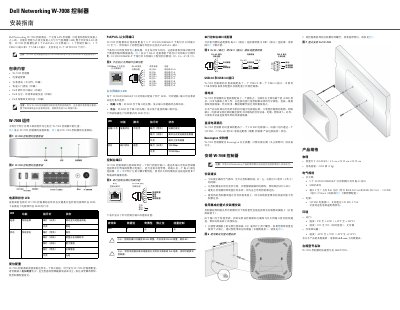
Dell Networking W-7008 Controller Installation Guide
This guide provides installation instructions for the Dell Networking W-7008 controller. It details the controller's ports including 8 PoE/PoE+ ports, USB 2.0 and 3.0, and 4 RJ-45 Ethernet ports. The device supports 10/100/1000BASE-T and PoE standards. Power requirements are 54V DC or 54V DC, 2.78A AC to DC. Physical dimensions are 4.2 cm x 20.32 cm x 20.32 cm, and weight is 2.204 kg. Operating temperature range is 0°C to +40°C (32°F to +104°F).
Read onlineDell W-7008 specifications
| Power Supply | 54V DC or 54V DC, 2.78A AC to DC |
|---|---|
| Dimensions | 4.2 cm x 20.32 cm x 20.32 cm |
| Weight | 2.204 kg |
| Operating Temperature | 0°C to +40°C (32°F to +104°F) |
Source: Dell Networking W-7008 Controller Installation Guide
All Dell W-7008 documents by type
Mounting, wiring and first power-up. Read it before the hardware goes in.
Questions answered in these manuals
What is the power requirement for the W-7008 controller?
It requires 54V DC or 54V DC, 2.78A AC to DC.
What are the physical dimensions of the W-7008 controller?
The dimensions are 4.2 cm x 20.32 cm x 20.32 cm.
How many Ethernet ports does the W-7008 controller have?
It has eight 10/100/1000BASE-T PoE/PoE+ Ethernet ports.
How many access points and users does the W-7008 support?
It supports up to 16 access points and 1024 users.
What ports does the W-7008 controller have?
It has eight PoE/PoE+ Ethernet ports, one Console port, one USB 2.0 port, and one USB 3.0 port.
How many Access Points can the W-7008 support?
It supports up to 16 APs and 1024 users.