
Intel® Active Management Technology (Intel® AMT) enables enterprises to easily manage their network-connected computers, regardless of whether the computer is on or off.
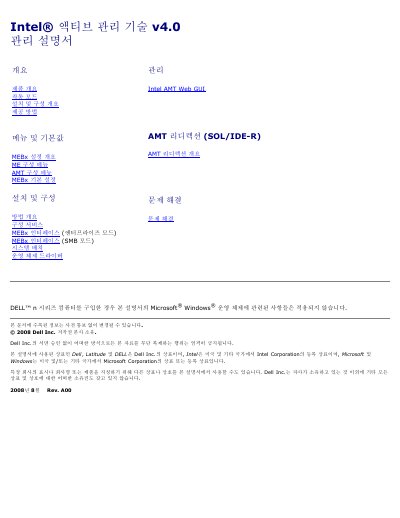
This document provides instructions for administering Intel Active Management Technology (Intel AMT) version 4.0 on Dell Latitude n-series computers. It explains the two operating modes (Enterprise and SMB), the provisioning process, and how to configure the Intel Management Engine BIOS Extension (MEBx).
The guide covers MEBx settings, AMT configuration menus, system deployment, operating system and driver management, the Intel AMT Web GUI, remote redirection features (SOL/IDE-R), and troubleshooting procedures. This manual is written in Korean.
| Operating Modes | Enterprise and SMB |
|---|
MEBx is the Intel Management Engine BIOS Extension, an optional ROM module provided by Intel to Dell and included in Dell BIOS.
The Intel AMT IP address must be different from the operating system's IP address. The Intel AMT host name must also be different from the operating system's host name.