
Dell administrator guide for Intel Active Management Technology v4.0, covering setup, provisioning, MEBx settings, Web GUI, redirection, and troubleshooting.
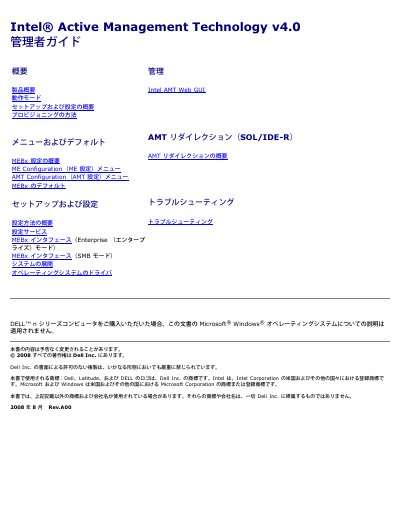
Published by Dell, this administrator guide covers Intel Active Management Technology (Intel AMT) v4.0 and explains how organizations can manage networked computers regardless of whether the computer is powered on or the operating system is available. It describes out-of-band access, remote troubleshooting and recovery, proactive alerts, and remote hardware and software asset tracking.
The document explains Enterprise and SMB operating modes, setup and configuration states, provisioning methods, MEBx menus and defaults, the Intel AMT Web GUI, AMT redirection (SOL/IDE-R), and troubleshooting. This manual is written in Japanese.
| Operating modes | Enterprise or Small and Medium Business |
|---|---|
| Default mode on Dell computers | Enterprise |
| Network support | Dynamic and static IP |
| TLS support in Enterprise mode | Supported |
| Setup and configuration states | factory-default, setup, provisioned |
| Configuration time | Usually 2–3 seconds |
Intel AMT can be set up in Enterprise mode or Small and Medium Business (SMB) mode.
The factory default is Enterprise mode.
The three states are factory-default, setup, and provisioned.