
Key facts
Start here
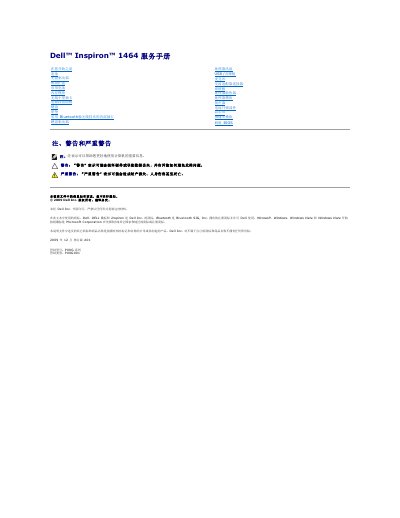
Dell Inspiron 1464 Laptop Service Manual
This is the Chinese-language service manual for the Dell Inspiron 1464 laptop. It gives removal and replacement procedures for components including the battery, optical drive, module cover, coin-cell battery, memory module, wireless mini-card, power button panel, keyboard, palm rest, Bluetooth card, hard drive, processor fan, USB/audio board, microphone, AC adapter connector, system board, processor heatsink, processor module, speakers, battery latch, display, and camera module.
The manual also includes a Before You Begin section with recommended tools and safety steps, plus instructions for flashing the BIOS. It is intended for service procedures on the Inspiron 1464 and refers to the regulatory model P09G series and regulatory type P09G001. This manual is written in Chinese.
All Dell Inspiron 1464 documents by type
Disassembly, diagnostics and part numbers, for repair.
Questions answered in these manuals
What should I do before working inside the Dell Inspiron 1464?
Follow the steps in Before You Begin, read the computer's safety instructions, and remove the battery before working inside the computer.
How is the battery removed from the Inspiron 1464?
Slide the battery release latch into place and slide the battery out of the battery bay.