
Key facts
- Brand
- Bosch
- Model
- AMC2
- Category
- Other Electronics
- Industry
- Electronics
- Documents
- 2
- Languages
- EN
- Last added
- 2026-11-17
Start here
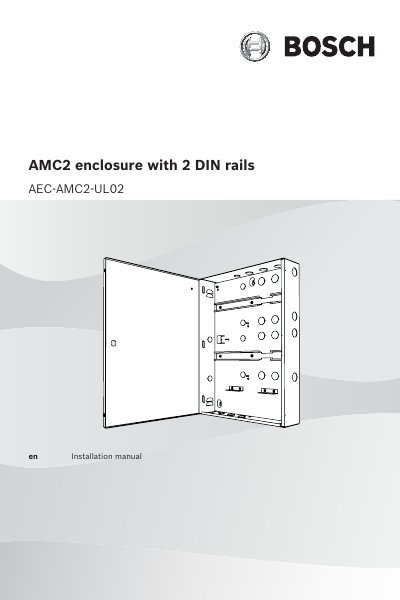
Bosch AMC2 Enclosure with 2 DIN Rails Installation Manual
This manual covers the Bosch AMC2 enclosure with 2 DIN rails, which is used to install power supply units and Access Modular Controllers in security systems.
It includes a system overview, parts list, cable assembly details, wall mounting instructions, connection procedures, and appendices on UL requirements and cable assembly.
Bosch AMC2 specifications
| DIN rails | 2 |
|---|---|
| Screw anchor | S8 |
| Screw size | M6 × 50 |
Source: Bosch AMC2 Enclosure with 2 DIN Rails Installation Manual
All Bosch AMC2 documents by type
Mounting, wiring and first power-up. Read it before the hardware goes in.
Questions answered in these manuals
How is the enclosure mounted?
The enclosure is designed to be mounted on a wall.
From: Bosch AMC2 Enclosure with 2 DIN Rails Installation Manual
What parts are included with the enclosure?
Included parts include cable ties, screw anchors, screws, a cable fixing bracket, a fuse and holder, an LED, and a cover grounding cable.
From: Bosch AMC2 Enclosure with 2 DIN Rails Installation Manual
How do I mount the AEC-AMC2-UL2 housing?
Open the housing cover, use the provided key, and secure the metal housing to the wall with the screw anchors supplied.
How do I connect the power supply cable to the AMC?
Connect the 7‑pin plug A1 to the AMC’s power supply connector labeled POWER, then attach the remaining connectors as shown.