
Key facts
Start here
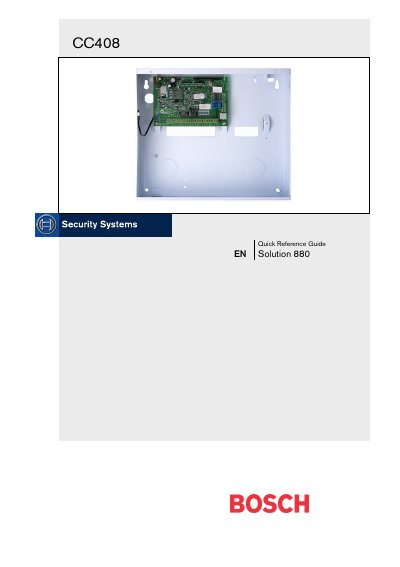
Bosch CC408 Quick Reference Guide
The Bosch CC408 is a flexible, reliable security control panel. This Quick Reference Guide gives installers and users the essential information needed to wire, configure and program the system.
The guide covers an overview of the panel, programming methods, installer’s programming commands, telephone and alarm link options, wiring diagrams, keyfob programming, and fault analysis procedures.
Bosch CC408 specifications
| Alarm current | 115 mA |
|---|---|
| Alarm current with keyboard | 105 mA |
| Standby current | 65 mA |
| Main power supply | 240 V AC, 18 V AC, 1.3 A |
| Backup battery | 12 V DC, 6.5 Ah sealed lead‑acid |
| Dimensions (W×D×H) | 306 mm × 262 mm × 84 mm |
| Weight | 2.5 kg |
All Bosch CC408 documents by type
Day-to-day operation, settings and troubleshooting. Start here if the product is already set up.
The shortest path to a working setup, usually only a few pages.
Questions answered in these manuals
How do I enter Installer’s Programming Mode?
Enter the installer code (default 1234) followed by the [#] key; two beeps and the STAY and AWAY indicators flash to confirm entry.
How do I toggle the system’s telephone monitor mode?
Enter the Installer Code followed by the [6] and [#] keys to turn the mode on; repeat the same sequence to turn it off.
How many programmable user codes does the ICP‑CC408 support?
The panel supports up to eight programmable user codes and eight wireless remote user codes.
What is the current consumption in alarm state without and with the keyboard?
In alarm state the panel draws 115 mA, and 105 mA when a keyboard is attached.
How many programmable user codes does the CC408 support?
It supports up to eight programmable user codes and eight wireless remote codes.
What arming modes are available on the CC408?
The system provides three arming modes: AWAY, STAY (for installation personnel), and STAY (for master‑code users).