
Key facts
- Brand
- Bosch
- Model
- MIC400
- Documents
- 2
- Languages
- ZH
- Last added
- 2011-11-21
Start here
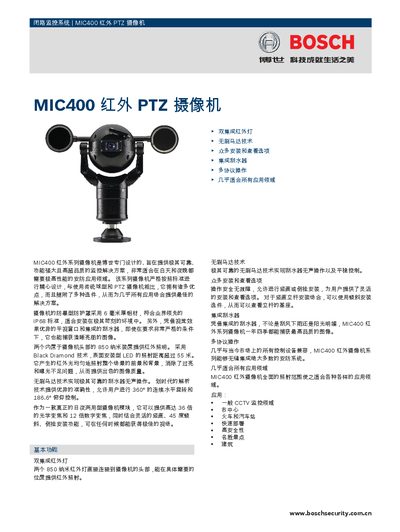
Bosch MIC400 PTZ Camera User Manual
The MIC400 is a Bosch‑designed infrared PTZ camera built for reliable, high‑performance surveillance in both day and night conditions. It features dual 850 nm IR LEDs, brushless motor technology, an integrated wiper, and IP68‑rated housing for harsh environments.
This manual covers basic features, certification details, installation and configuration options, technical specifications, housing dimensions, ordering information, and contact details for Bosch Security. It also includes guidance on preset positions, privacy masking, and supported communication protocols. This manual is written in Chinese.
Bosch MIC400 specifications
| Image sensor | 1/4 inch Exview CCD |
|---|---|
| Optical zoom | 18× (or 36× optional) |
| Infrared illumination distance | 55 m |
| Weather protection | IP68 |
| Horizontal rotation | 360° continuous |
All Bosch MIC400 documents by type
Day-to-day operation, settings and troubleshooting. Start here if the product is already set up.
Mounting, wiring and first power-up. Read it before the hardware goes in.
Questions answered in these manuals
What is the infrared illumination distance of the MIC400 camera?
The infrared LEDs can illuminate up to 55 meters.
What optical zoom options are available?
The camera offers an 18× optical zoom module, with a 36× option also listed.
What is the minimum illumination required for the MIC400 camera?
The camera can operate with as little as 0.01 lux (F1.4, 1/4 sec NTSC, 1/3 sec PAL) when infrared is on.
What installation orientations are supported by the MIC400?
The MIC400 can be installed vertically, upside‑down, or at a 45° tilt.