
Key facts
- Brand
- ASUS
- Model
- RT-N16
- Category
- Router
- Industry
- Electronics
- Documents
- 2
- Languages
- ZH
- Last added
- 2026-11-20
Start here
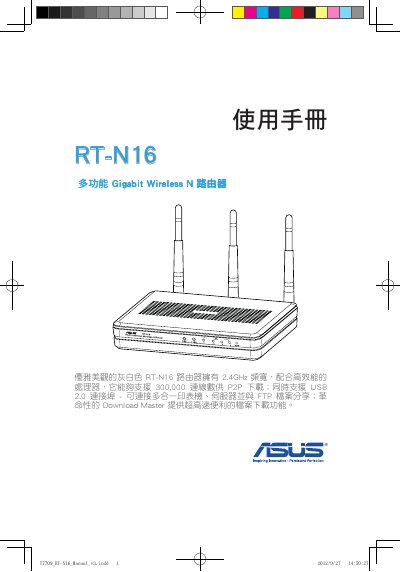
ASUS RT-N16 Wireless Router User Manual
The ASUS RT-N16 is a 2.4 GHz wireless router with a high-performance processor supporting up to 300,000 concurrent connections for P2P downloads. It features a USB 2.0 port for connecting printers, storage devices, or FTP file sharing, and includes the Download Master utility for high-speed downloads.
The manual guides users through hardware installation, router placement, system requirements, wired and wireless connections, and initial setup via the Quick Internet Setup (QIS) wizard. It details web GUI configuration for network settings, wireless security, QoS, traffic monitoring, USB applications (AiDisk, UPnP, Samba, FTP), advanced settings like DHCP and firmware updates, and provides troubleshooting steps and FAQs. This manual is written in Chinese.
ASUS RT-N16 specifications
| Power Adapter Output | +12V DC, 1.25A max |
|---|---|
| Operating Temperature | 0~40°C |
| Storage Temperature | 0~70°C |
| Operating Humidity | 50~90% |
| Storage Humidity | 20~90% |
| LAN Ports | 4 × RJ-45 |
| WAN Port | 1 × RJ-45 |
| USB Port | 1 × USB 2.0 |
All ASUS RT-N16 documents by type
Day-to-day operation, settings and troubleshooting. Start here if the product is already set up.
Questions answered in these manuals
How do I reset the router to factory defaults?
Press the reset button on the router to restore the system to its initial settings.
What are the power adapter specifications for the RT-N16?
The router uses a DC power adapter with +12V output and a maximum current of 1.25A.