
Key facts
- Brand
- Yamaha
- Model
- AW2816
- Documents
- 3
- Languages
- EN
- Last added
- 2012-06-12
Start here
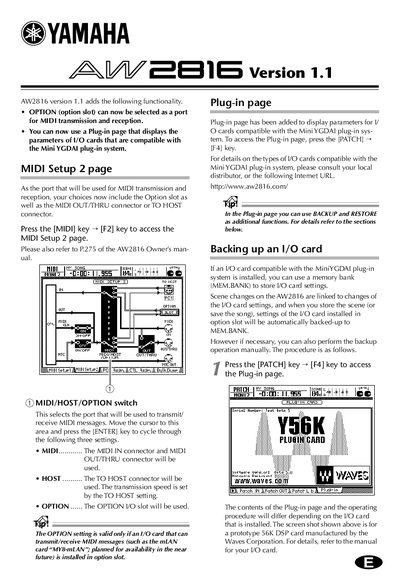
Yamaha AW2816 MIDI Setup and Plug-in Page Guide
This guide details the updates in AW2816 version 1.1, specifically the ability to select the Option slot for MIDI transmission and reception. It describes how to access the MIDI Setup 2 page to choose between the standard MIDI connectors, the TO HOST connector, or an installed I/O card.
Read onlineAll Yamaha AW2816 documents by type
Day-to-day operation, settings and troubleshooting. Start here if the product is already set up.
Questions answered in these manuals
How do I access the MIDI Setup 2 page?
Press the [MIDI] key and then the [F2] key to access the MIDI Setup 2 page.
How do I access the Plug-in page?
Press the [PATCH] key and then the [F4] key to access the Plug-in page.
What is required to perform the update procedure?
You will need an internal or external CD-RW drive that has been confirmed by Yamaha to work with the AW2816.
What should be done if the update fails repeatedly?
If the 'Internal Error!' message is displayed repeatedly, it may be necessary to service the hardware.
How do you select the port for MIDI transmission and reception?
Press the [MIDI] key > [F2] key to access the MIDI Setup 2 page, then move the cursor to the 'MIDI/HOST/OPTION' switch area and press [ENTER] to cycle through settings.
How do you access the Plug-in page for I/O card parameters?
Press the [PATCH] key > [F4] key to open the Plug-in page, which displays parameters for compatible Mini YGDAI system cards.