
AW2816 version 1.1 adds the following functionality. • OPTION (option slot) can now be selected as a port for MIDI transmission and reception. • You can now use a Plug-in page that displays the parameters of I/O cards that are compatible with the Mini YGDAI plug-in system.
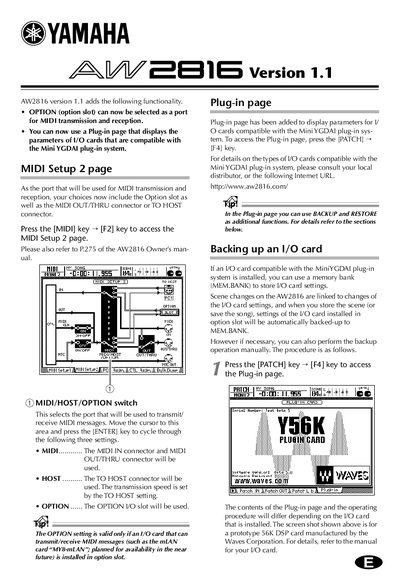
This guide details the updates in AW2816 version 1.1, specifically the ability to select the Option slot for MIDI transmission and reception. It describes how to access the MIDI Setup 2 page to choose between the standard MIDI connectors, the TO HOST connector, or an installed I/O card.
Press the [MIDI] key and then the [F2] key to access the MIDI Setup 2 page.
Press the [PATCH] key and then the [F4] key to access the Plug-in page.