
Key facts
- Brand
- SONY
- Model
- ICD-MX20
- Industry
- Electronics
- Documents
- 2
- Languages
- EN · ZH
- Last added
- 2012-05-02
Start here
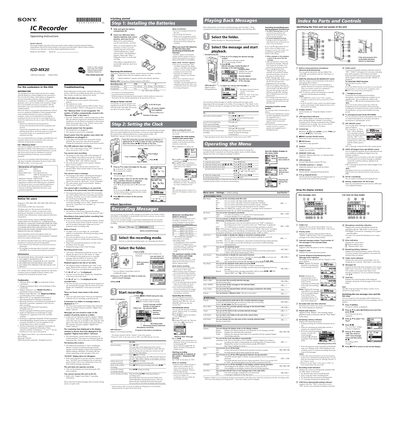
Sony ICD-MX20 User Manual
This manual provides step‑by‑step instructions for installing batteries, setting the clock, recording and playing back voice messages on the Sony ICD‑MX20 IC recorder. It also includes safety information, FCC compliance details, and contact information for Sony support.
Additional sections cover troubleshooting common issues, battery maintenance, menu operation, and tips for improving sound quality. The guide is intended for end users who need to operate the device safely and efficiently.
SONY ICD-MX20 specifications
| Battery type | LRO3 (AAA) alkaline |
|---|---|
| Battery life (recording, ST mode) | up to 8 hr |
| Maximum messages per folder | 999 |
| Maximum total messages | 1,012 |
Source: Sony ICD-MX20 User Manual
All SONY ICD-MX20 documents by type
Day-to-day operation, settings and troubleshooting. Start here if the product is already set up.
Questions answered in these manuals
How do I replace the batteries?
Open the battery compartment, insert two LRO3 (AAA) alkaline batteries with the correct polarity, and close the lid.
Why is there no sound from the speaker?
Make sure headphones are not plugged in, the volume is turned up, and the speaker is not muted in the menu settings.
What should I check if the device does not turn on?
Make sure the battery polarity is correct and that the batteries have sufficient charge.
How can I format a Memory Stick inserted in the recorder?
Select the “格式化” option in the menu while the Memory Stick is inserted.