
Key facts
- Brand
- SONY
- Model
- A1P
- Category
- Video Player
- Documents
- 2
- Languages
- ZH · EN
- Last added
- 2026-09-29
Start here
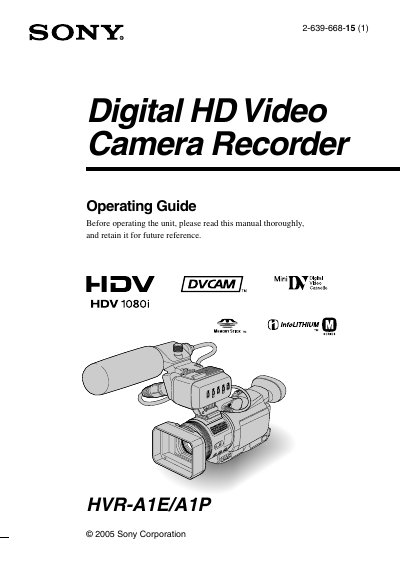
Sony HVR-A1E/A1P Digital HD Video Camera Recorder Operating Guide
This manual provides instructions for operating the Sony HVR-A1E/A1P Digital HD Video Camera Recorder. It covers initial setup steps such as checking supplied items, charging the battery, and adjusting the LCD panel and viewfinder. The guide explains how to use the touch panel, set the date and time, and insert recording media like tapes or Memory Stick Duo cards.
Read onlineAll Sony A1P documents by type
Day-to-day operation, settings and troubleshooting. Start here if the product is already set up.
Questions answered in these manuals
How do I insert a Nano SIM card and memory card?
Open the SIM tray, insert the Nano SIM card and the memory card in the correct orientation, then push the tray back into the device.
From: Sony Xperia XA1 Plus G3421/G3423/G3412/G3426/G3426 User Guide
How can I enable TalkBack?
Open Settings → Accessibility → TalkBack and toggle the switch to turn TalkBack on.
From: Sony Xperia XA1 Plus G3421/G3423/G3412/G3426/G3426 User Guide
What video formats can this camcorder record in?
Your camcorder is capable of recording in HDV, DVCAM, and DV formats.
From: Sony HVR-A1E/A1P Digital HD Video Camera Recorder Operating Guide
What type of memory card can be used in this camcorder?
You can use “Memory Stick Duo” marked with Memory Stick Duo or MEMORY STICK PRO Duo.
From: Sony HVR-A1E/A1P Digital HD Video Camera Recorder Operating Guide