
Key facts
- Brand
- SONY
- Model
- CCD-TRV608
- Category
- Camcorders
- Documents
- 2
- Languages
- EN · JA
- Last added
- 2026-09-29
Start here
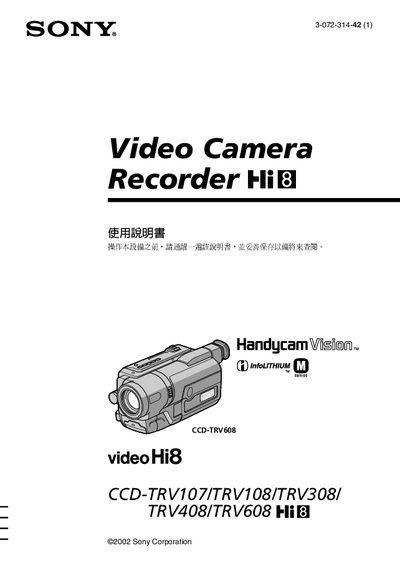
Sony Handycam Vision CCD-TRV608 User Manual
This manual covers the basic operation of the Sony Handycam Vision CCD‑TRV608, including power setup, battery installation, date‑time setting, and how to record and playback video. Safety warnings and proper handling instructions are also included to prevent fire or electric shock.
Advanced features such as Back Light, Night Shooting, Program AE, and USB streaming for Windows are described, along with model‑specific differences for the CCD‑TRV107/108/308/408 series. A quick‑start guide and troubleshooting section help users resolve common issues.
All Sony CCD-TRV608 documents by type
Day-to-day operation, settings and troubleshooting. Start here if the product is already set up.
Questions answered in these manuals
How can I set the date and time?
Use the menu to set the clock before shooting; the date and time settings are described in the quick‑start guide.
How do I connect the camcorder to a PC?
Connect via the USB port and use the USB streaming function (Windows only).