
Key facts
- Brand
- SONY
- Model
- FX6
- Documents
- 4
- Languages
- EN
- Last added
- 2023-10-17
Start here
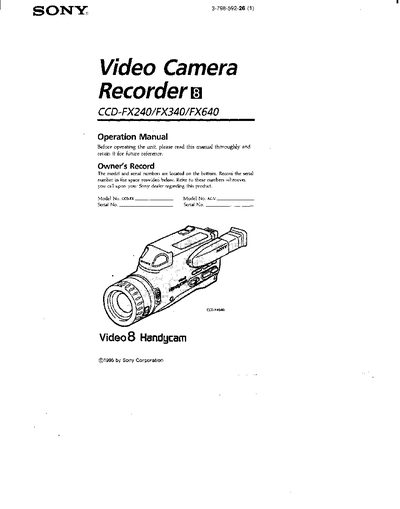
Sony CCD-FX240/FX340/FX640 Camcorder Operation Manual
This manual covers the three Sony Handycam models CCD-FX240, CCD-FX340 and CCD-FX640. It explains how to check the model number, install accessories, charge and replace the battery pack, and operate basic and advanced recording functions. Safety warnings, FCC compliance information, and care instructions are also included.
Additional sections describe remote commander usage, viewfinder indicators, troubleshooting tips, and specifications such as battery life and recording times. The document is intended for end‑users who want to get the most out of their camcorder while maintaining safe operation.
Sony FX6 specifications
| Color Space | S-Gamut3.Cine/SLog3 |
|---|---|
| Video Format | 4096 x 2160P |
| Base ISO | ISO 800 |
| Max Frame Rate (4K XAVC) | 120fps |
| RAW Output Resolution | 3840 x 2160 |
Source: Sony FX6 Camera Usage Tips
All Sony FX6 documents by type
Day-to-day operation, settings and troubleshooting. Start here if the product is already set up.
Questions answered in these manuals
What is the recommended color space for FX6 productions?
S-Gamut3.Cine/SLog3 is the most common color space used on FX6 productions.
What card is required for 120fps recording?
XAVC-I 120fps recording requires a CFexpress Type-A card.
Can I operate the camcorder while the battery pack is charging?
No. The camcorder cannot be used with the AC power adaptor while the battery pack is charging.
What does a fast‑flashing viewfinder indicator mean?
A fast‑flashing indicator means the battery is dead.
How do I know when the battery needs to be replaced or recharged?
Replace or charge the battery when the “<1” symbol flashes in the display.
How do I lock the controls to prevent accidental operation?
Slide the HOLD switch in the direction of the arrow to lock the controls of the Walkman or the remote control.