
This document provides instructions on how to use a copier, printer, fax machine, and scanner, as well as troubleshooting tips. It also introduces some convenient functions, such as paper conservation, reducing copy mistakes, and making copies of specific types of originals.
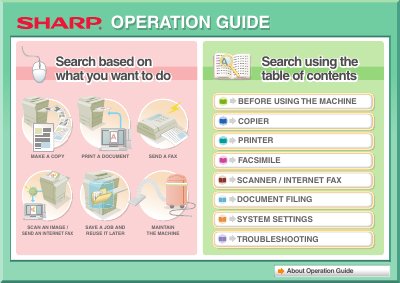
The document serves as a comprehensive operation guide for the Sharp MX-2600N and 3100N series. It details how to perform core functions such as making copies, printing documents from a computer, sending faxes, and scanning images. The guide also explains advanced features like assembling outputs into pamphlets, adding text or stamps, and using special media.
| USB Memory Format | FAT32 |
|---|---|
| Maximum USB Capacity | 32 GB or less |
The USB memory must be formatted as FAT32.
The machine supports USB memories with a capacity of 32 GB or less.